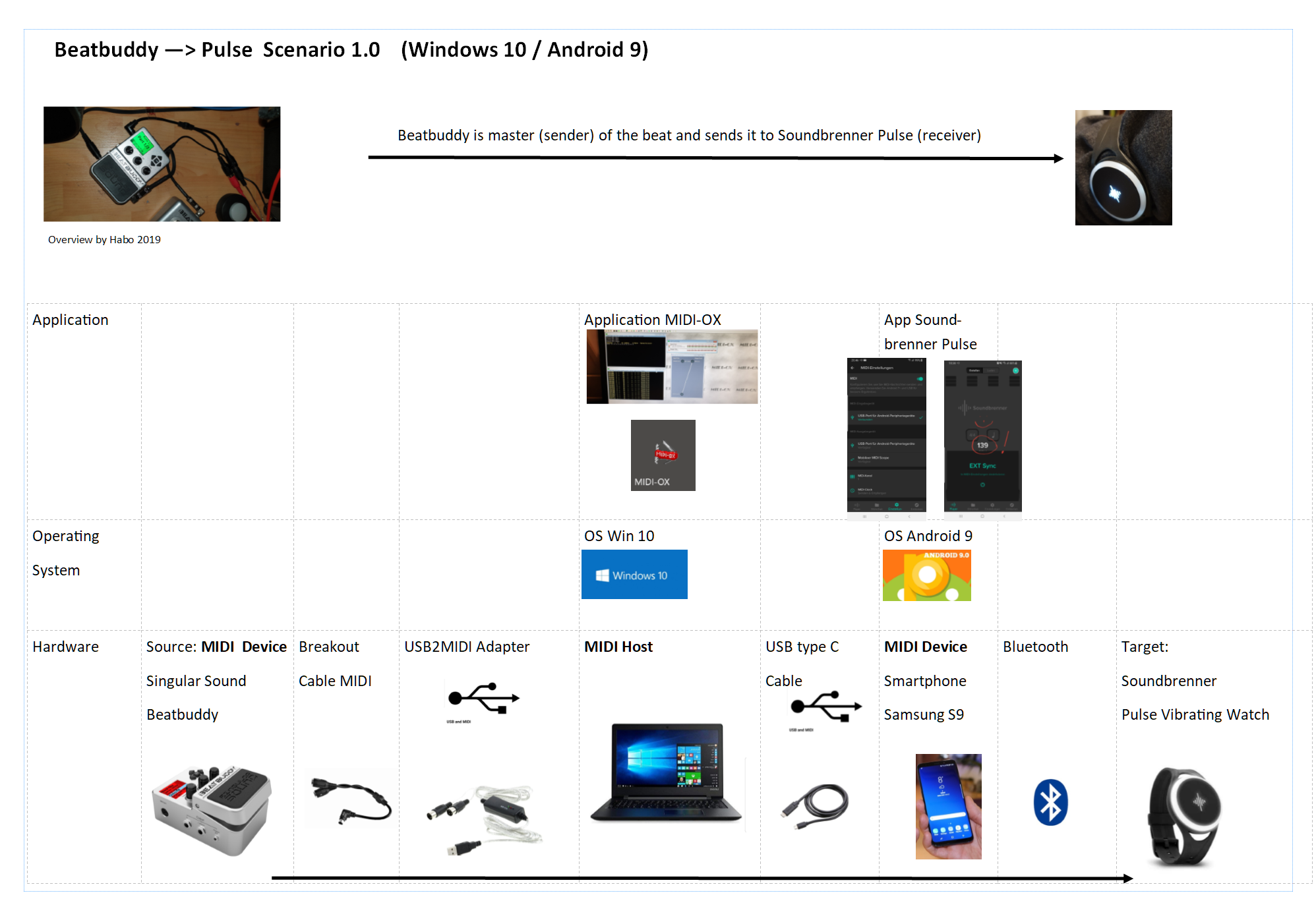
Scenario1 : It works on Android and Windows10!!!  So cool!
Hello again,
David you are right BB already sends the timing information. After al little bit research …all I had to do
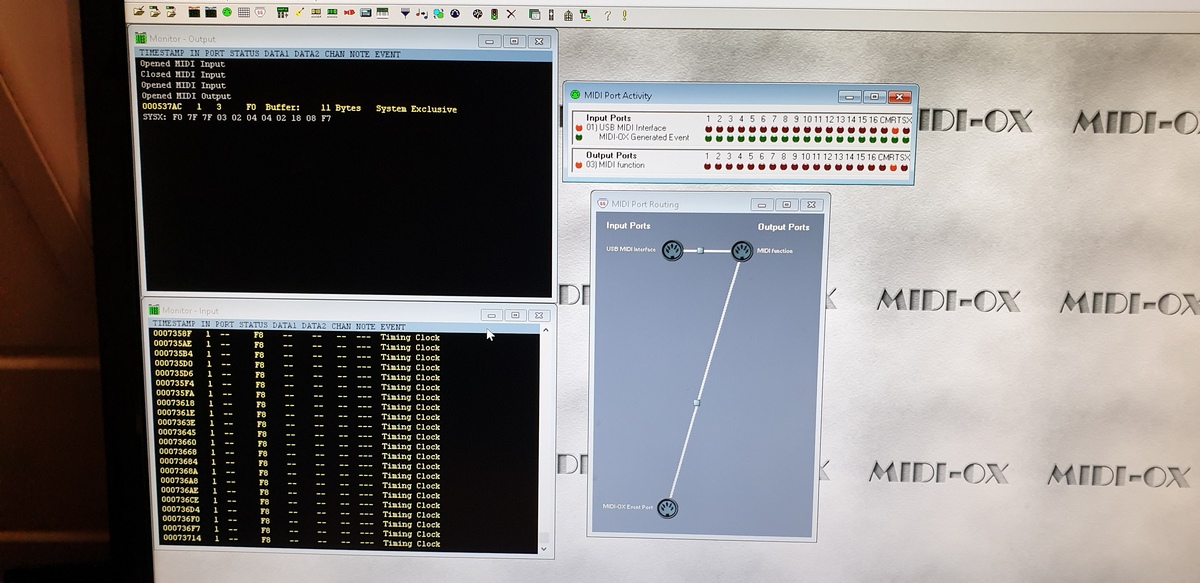
is to connect the USB Midi Port (INPUT) which is connected to the Beatbuddy with the “Midi Function” Port (OUTPUT)
generate by the USB Midi connection to the Android phone. I did it simply by connecting the port
with MIDI-OX .
So the final working flow is :
Scenario 1. Beatbuddy is master (sender) of beat and sends it to Soundbrenner Pulse:
Source of beat : The Beatbuddy -> MIDI OUT Cable ->; MIDI2USB ExternalAdapter ->; USB MIDI Interface (INPUT) PC Window 10 -> MIDI-OX application on Win10 with Port Assignment to MIDI Function Port (OUTPUT) -> USB Smarthpone Cable Standard to Smarthpone S9 Samsung Android9 -( USB Protocol set to MIDI -> Soundbrenner APP with Midi Enabled --> Bluetooth to -->; Soundbrenner Pulse Watch. … press Beatbuddy play and you feel the the beat of beatbuddy. All tempo changes on BB will immedeately reflected on the Soundbrenner Pulse !
Really great!
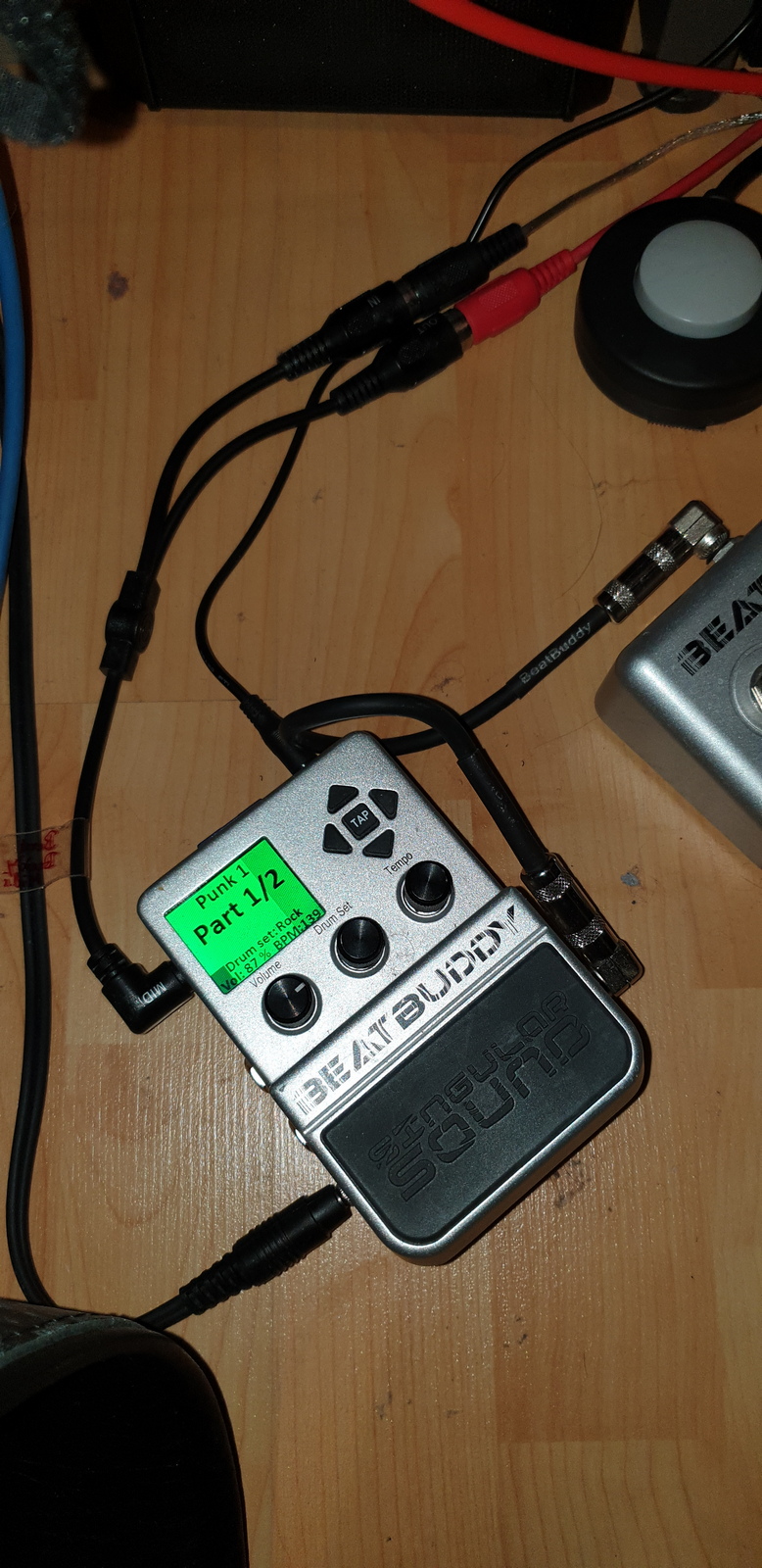
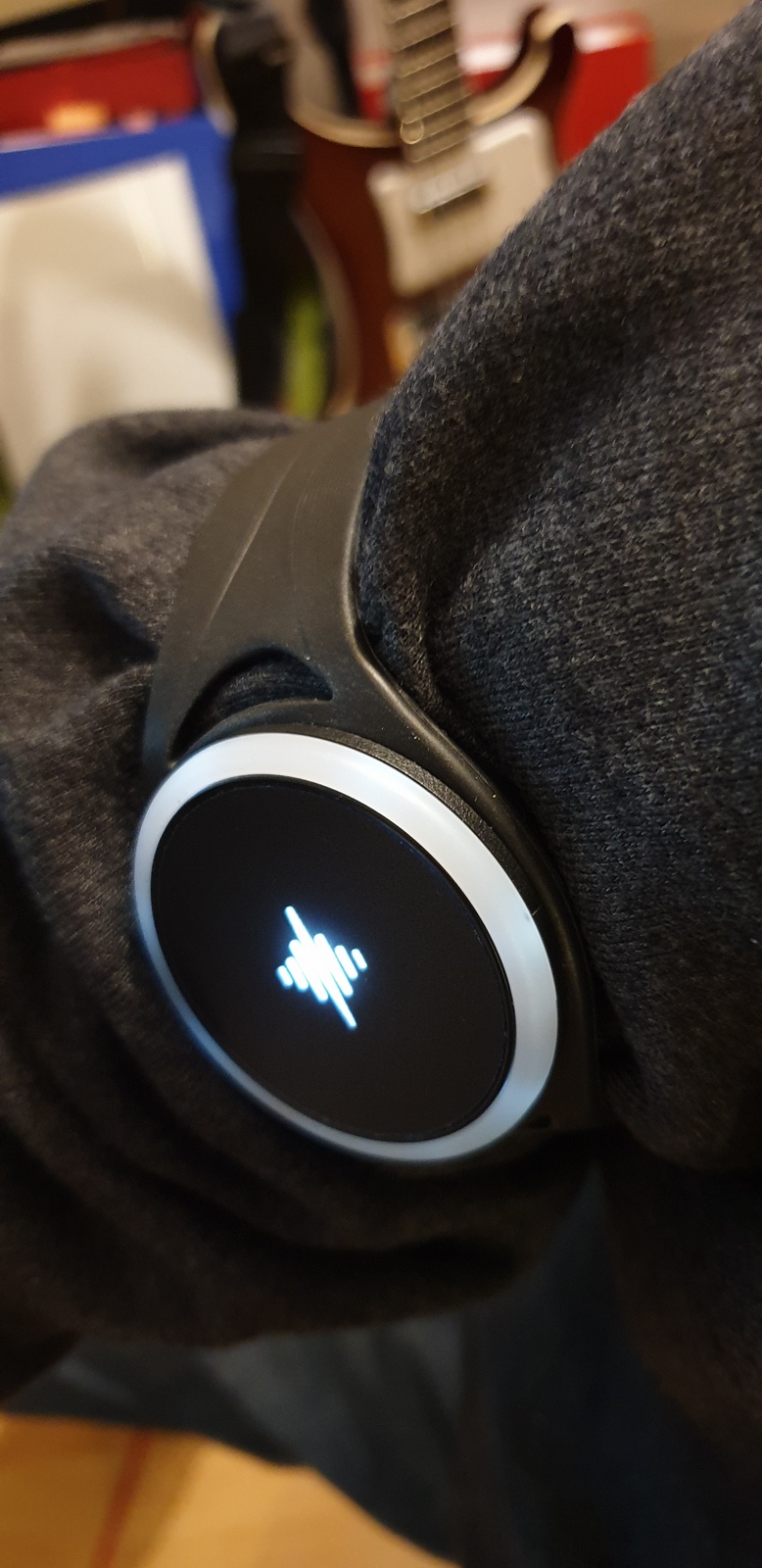
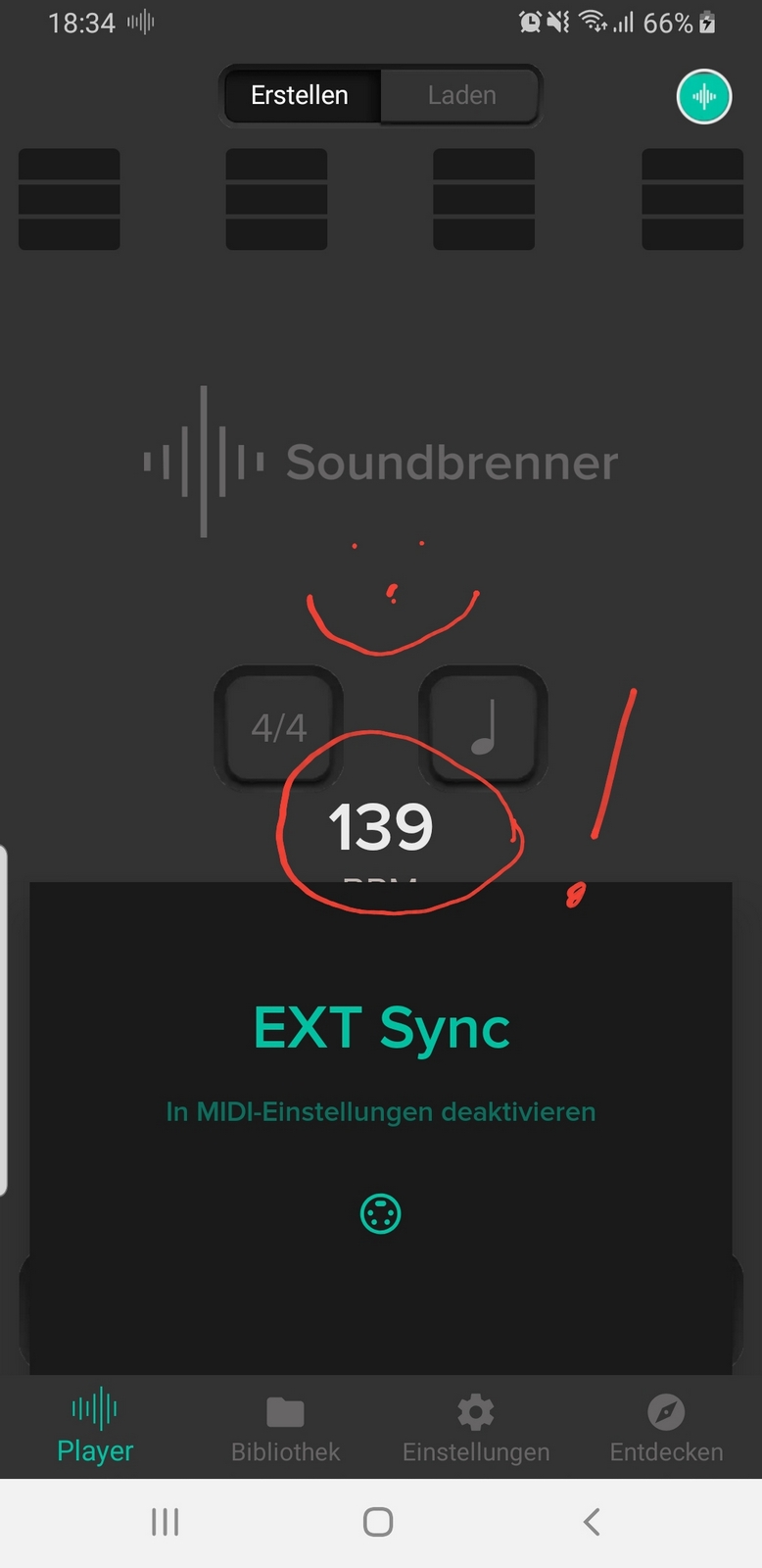
This is the flow … maybe we can optimze it …lets see