I edited the subject of your thread to be clarify the content.
It is possible to edit the velocities of an entire row for a particular drum instrument.
There may be two different situations: 1, where say, the drum instrument velocities are the same velocity across the entire row and 2, where there are mixed velocities for the drum instrument across the row.
The Instrument Selector (item 25 on p17 of the BBMO Manual).
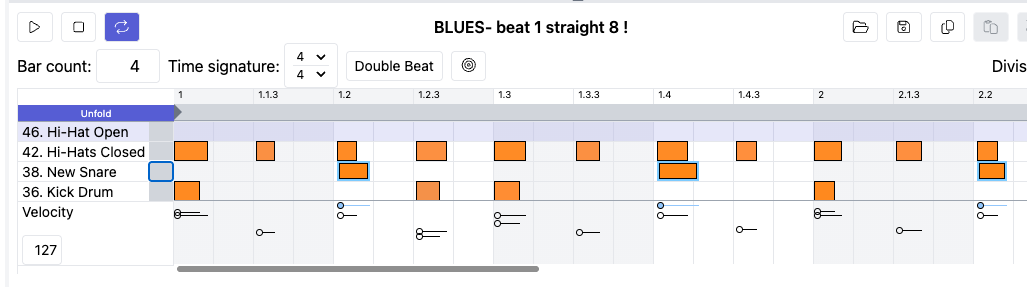
In situation 1, the entire row for the New Snare has a single velocity and you’d like to lower the velocity.
- click on the Instrument Selector next to the New Snare; all of the New Snare notes will have a blue frame and the velocity for all of the New Snare notes is 127
- double-click on 127 and when highlighted, change it to 63; press Enter
- save your project
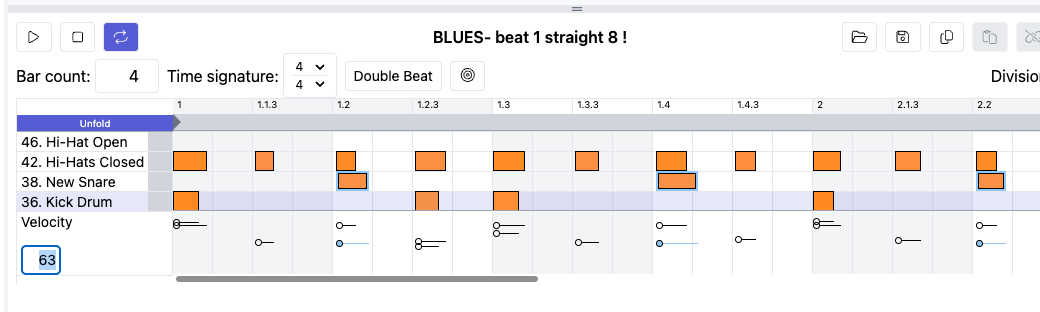
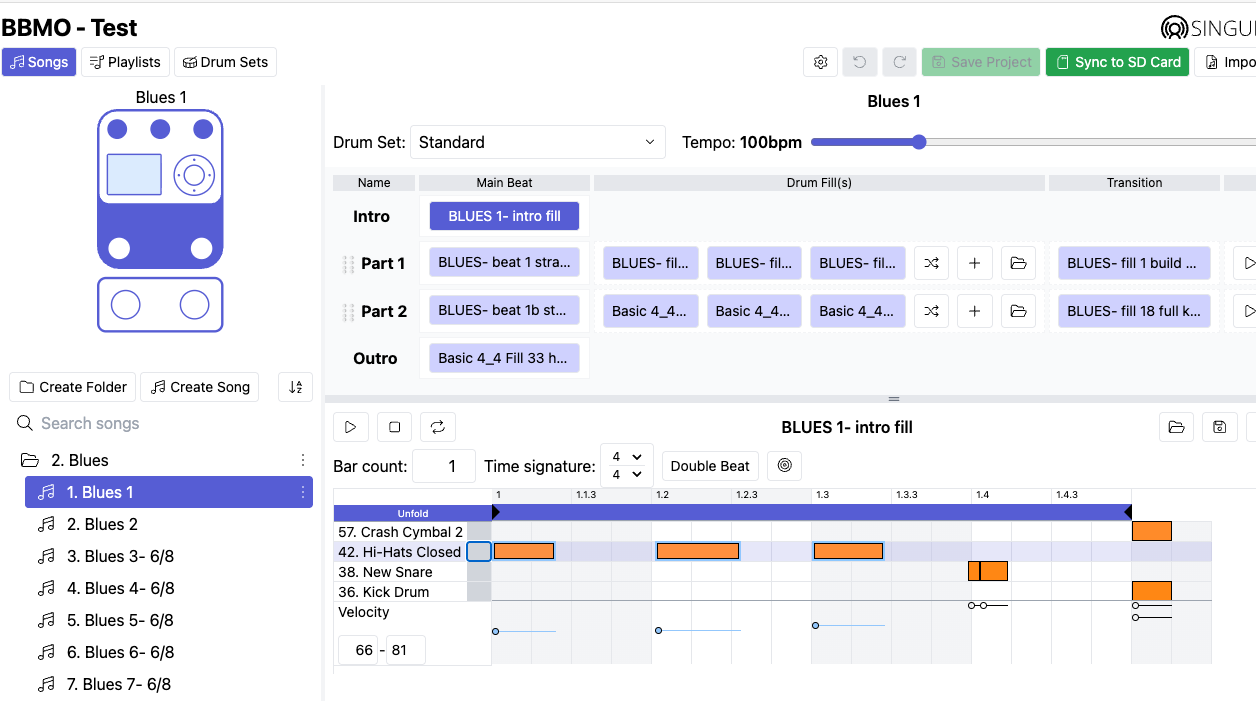
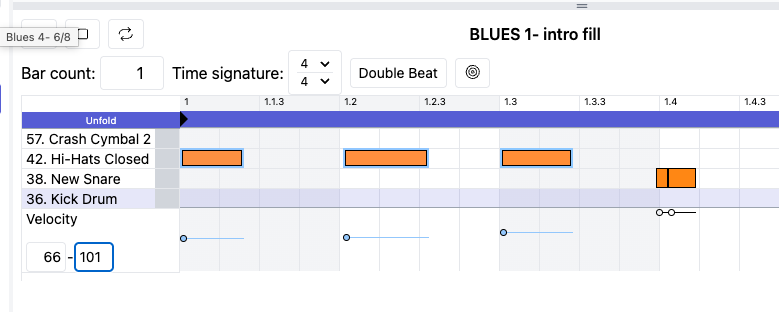
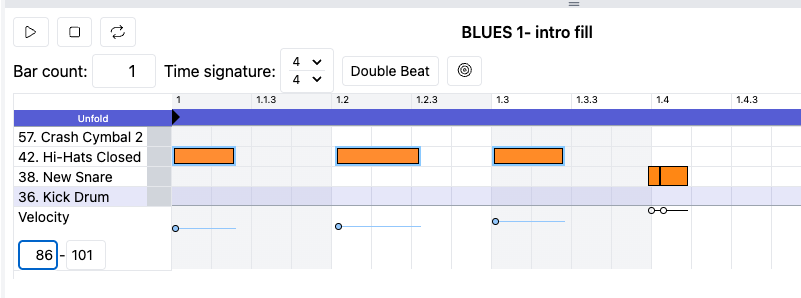
In situation 2, the entire row for Hi-Hats Closed has mixed velocities and you would like to raise them by 20 (they’re presently at 66 - 81)
-
click on the Instrument Selector next to Hi-Hats Closed; all of the Hi-Hats Closed notes should have a blue frame and the velocity ranges from 66 - 81
-
start with the higher velocity first; double-click on 81 and when highlighted, change it to 101; press Enter
-
double-click on 66 and when highlighted, change it to 86; press Enter
-
save your project
-
You can use shift-click on the Instrument Selector to select several rows to edit
-
Within a row, you can use shift-click to select different notes