I still use the old BBM because I only use OPb and that’s why I use Reaper a lot.
I’ve been having a lot of problems on my PC due to lack of memory. There are millions of Beatbuddy files, many hidden files, I don’t even know which ones are in my project and which ones aren’t, it’s a huge mess, many folders and zillions of files inside hidden folders and so on, I don’t know which ones I can delete and which ones I can’t. I have my projects saved on 2 full 32 SD cards. For example, there is a folder called accent on my desktop that is simply over 250 GB. I have no idea where this folder came from and whether the files inside it are actually being used in my project.I’m very afraid of deleting and losing my project.
My question is: can I delete everything related to BB that is on my PC and then reinstall everything through my SD card? Will that work right?
It depends on what you have backed up—if all your songs and content are safely stored on your SD cards, I recommend copying everything from your SD card to a folder in your Documents called “BB Backup.” From there, you can delete old saves and backups from your computer that you no longer need—just be careful to only delete BeatBuddy files, not any important documents. We no longer offer support for the legacy BB Manager, but you can delete the old files, reinstall BBManager, open the project from your SD card, and save a backup to your user library. I’d also recommend using the BBMO (BeatBuddy Manager Online) to avoid any further issues or complications.
Daniel, I believe he is talking about the multiplicity of WAV folders that get created everywhere on one’s hard drive. These get created when opening a drumkit in BBM. If they are not in the BB Workspace folder, they can be deleted with no harm done. I sometimes find and delete them en masse by searching for “_WAV”.
I managed to free up over 400GB of folders and files related to BB. But now the drumsets appear like this in my project. Is this normal?
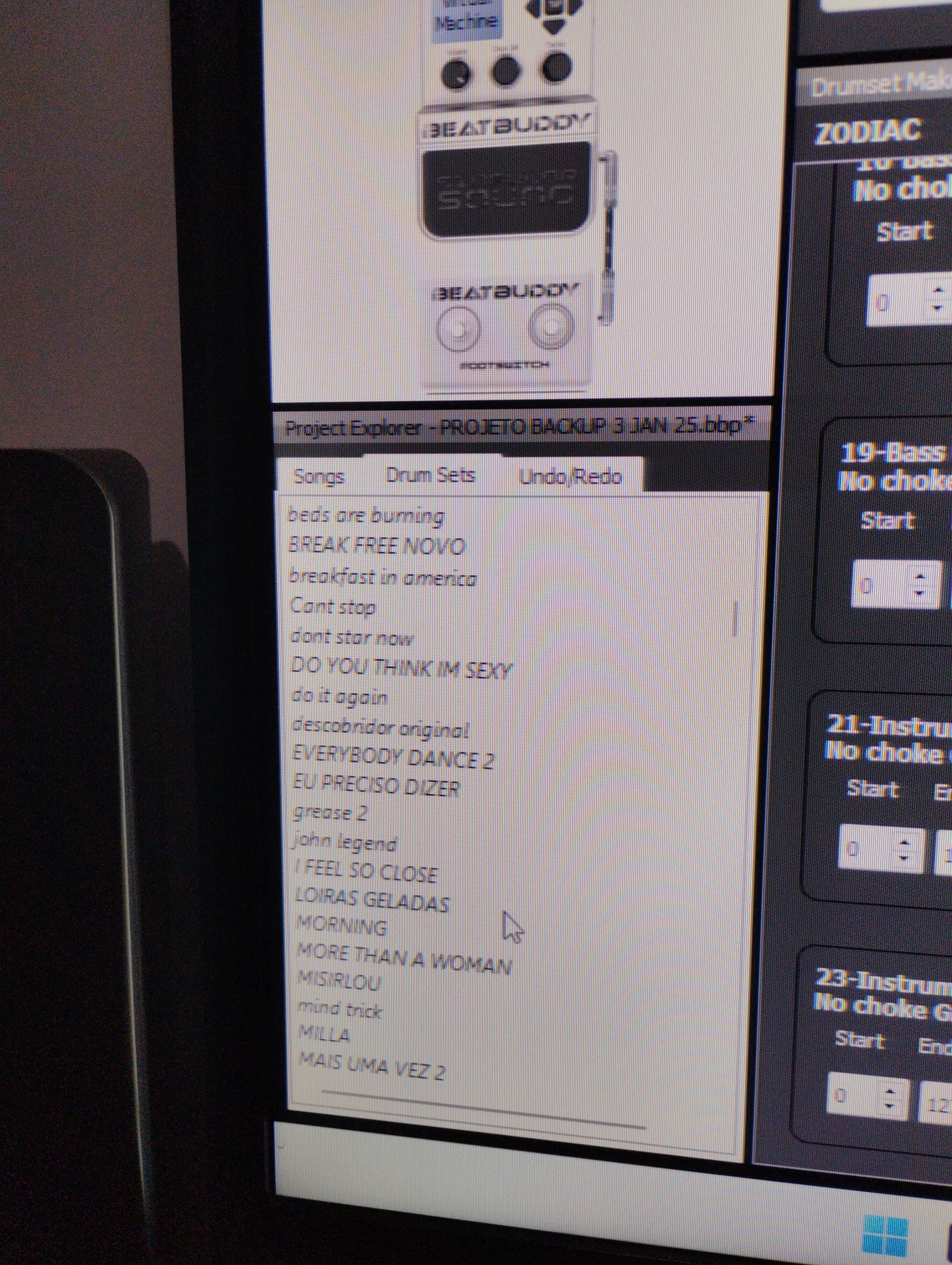
Yes. When they are like that they are still on your system. As long as the song does not show the asterisk * before the drumkit name, you should be fine. If the asterisk appears open the kit in BBM to reload it.
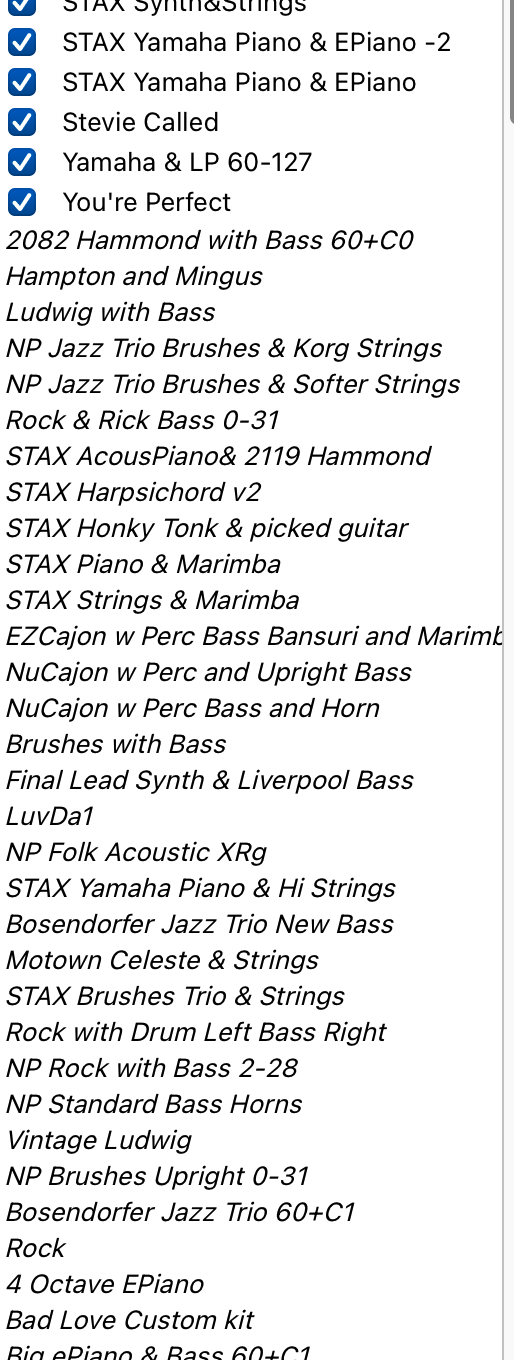
A section of my current BBM Folder.
I have transitioned to BBMO for other reasons, mainly due to a weird audio issue I was having where it appeared that notes were being transposed with no input from me. I am not having that in BBMO, but I had liked building songs better in BBM. I have since gotten adept at doing it in BBMO, so BBM is my backup, now.
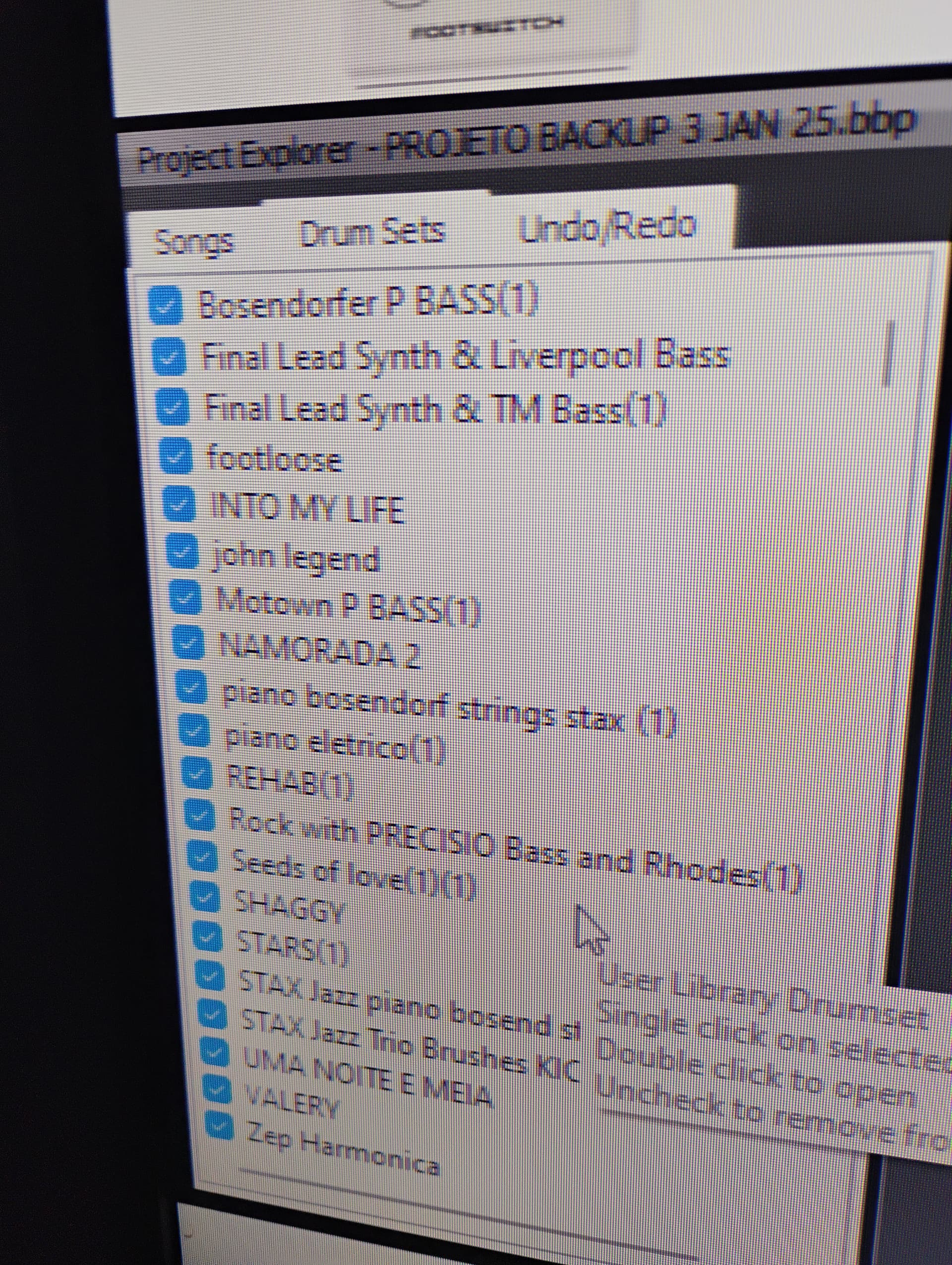
All I suggest is that you try a couple songs in BBM and see if they play. If not, you’ll have to click or double click the drumkit’s name in the list. This will create one folder of WAV for that kit, just like the folders you got rid. But, I have had 30 or 40 folders of 1 kit on my system at times, and I’ve found the way to mange it is to delete the folders. Some time ago, Goran advised me that the folders were not necessary, since all the information BB need is in the DRM file. The WAV folders just get made to allow us to edit as need be by giving us access to the WAV files. .
Thanks guys
Taking advantage of the goodwill of you guys, I would like to know if in the case of using several string tracks in a DAW, we should increasing the instrument’s polyphony. Because whenever I use these several tracks of the same instrument, with several different melodies, one track or melody ends up interrupting the other.