Desktop: Apple M1 Pro
macOS Sequoia Version 15.4.1 (24E263)

Browser: Opera One(version: 118.0.5461.60) (arm64)
Opera is up to date
Update stream:Stable
System:macOS Version 15.4.1 (Build 24E263) 15.4.1 arm64
Chromium version:133.0.6943.143
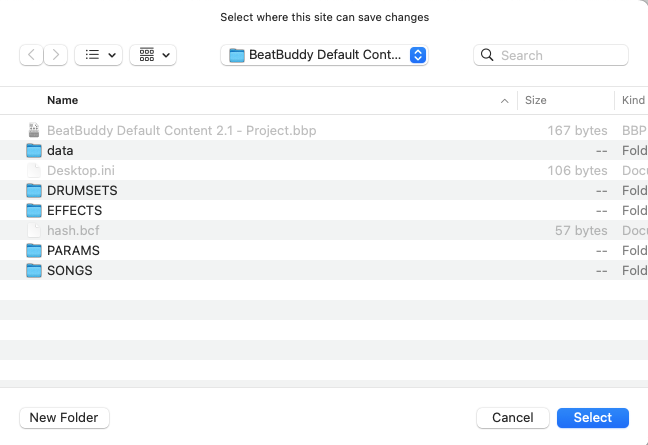
I’ve use BBM for quite some time now and I’m trying to start using BBMO. Following the manual, I get as far as Selecting folder:
When I “OK” it, I’m able to select the Drum Sets tab, displaying the 10 default drum sets.
When I go to Import Songs, and select a .sng file, it appears to take, but under the Songs tab, nothing
Could you please try using Google Chrome or Microsoft Edge and see if the issue persists? We just want to rule out if the issue is related to the browser you’re using.
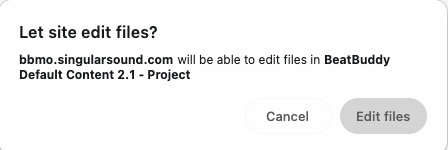
The issue is with with Microsoft Edge now. It will seem to Let site edit files just fine, and thats where it all stops.
Immediately afterwards, I get the spinning globe, and it never reads the content of my project. This is the case with my internal HD, my external SD, and the BB SD card.
I updated Edge, cleared all history, shut down and relaunched Edge. The issue still persisted. My MacBook Pro is up to date. I rebooted my MacBook, still had the same issue with Edge.
I installed the latest Vivaldi, and everything finally works with the BBMO site. I’ve since uninstalled Edge.