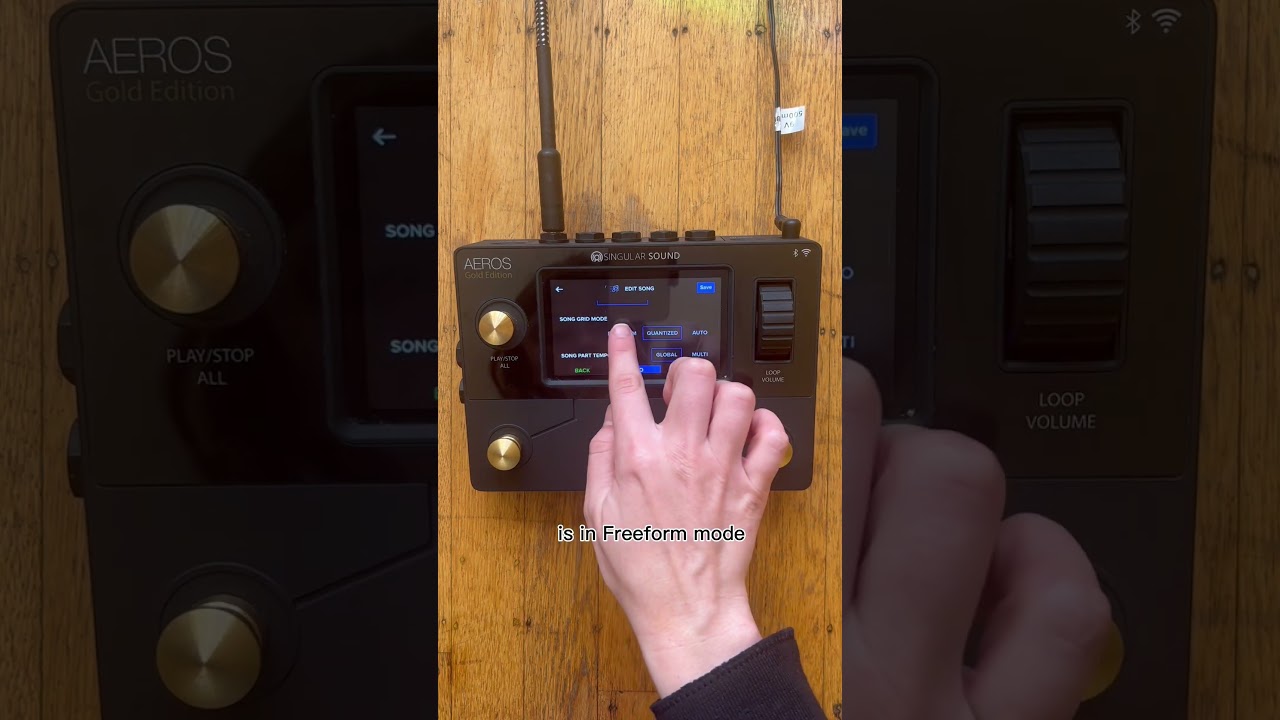
I have the bass line for a song saved in the backingtracks folder on the SD card. This backing track has been quantized to 78 BPM and aligned to start right on beat. I have a 78 BPM beat in BeatBuddy that I want to use with this backing track. My BB is master. Aeros is slave.
Let’s say I have several backing tracks on the SD card. How do I make the correct backing track start when the BB sends the MIDI Start command to the Aeros?
How do I make the backing track audible? What routing is required?
Or, do I have a fundamental misunderstanding of what Aeros backing tracks are and what they are intended to do? If so, please point me to some good tutorials and usage examples.
A backing track works the same way as a recording on the Aeros, and it is routed in the same manner. To import your backing tracks, you can follow this video guide:
If you encounter any issues or need further assistance, feel free to send an email to support@singularsound.com.
I don’t see it works exactly the same, since you can’t use grid/quantizised mode and hence not change part at end of measure. Or am I mistaken?
1 Like
Backing tracks used to only work in freeform mode. However, with the latest Aeros firmware update, this limitation has been removed, so you can now use backing tracks outside of freeform mode as well.
1 Like
Oh cool! I will look into it, that would be amazing! I have on song with long loops for every part and to be able to do end of measure part switching for those would be so great!