Hi guys! I want to add songs from the card I bought with all the bands songs to my card I use with beats from here. I can’t figure out how? I looked at the sd card with the bands and I can’t find the files that contain the files? Could someone talk me through it? Thanks so much! Mike
Hi, Mike.
If you’ve saved your content using the BBMO from your SD cards as different projects on your computer, you’re off to a good start. If this doesn’t make sense, you might find it helpful to download and read the BBMO user manual and if you’re still having trouble, reach out to Support, support@singularsound.com for help.
Here’s the steps:
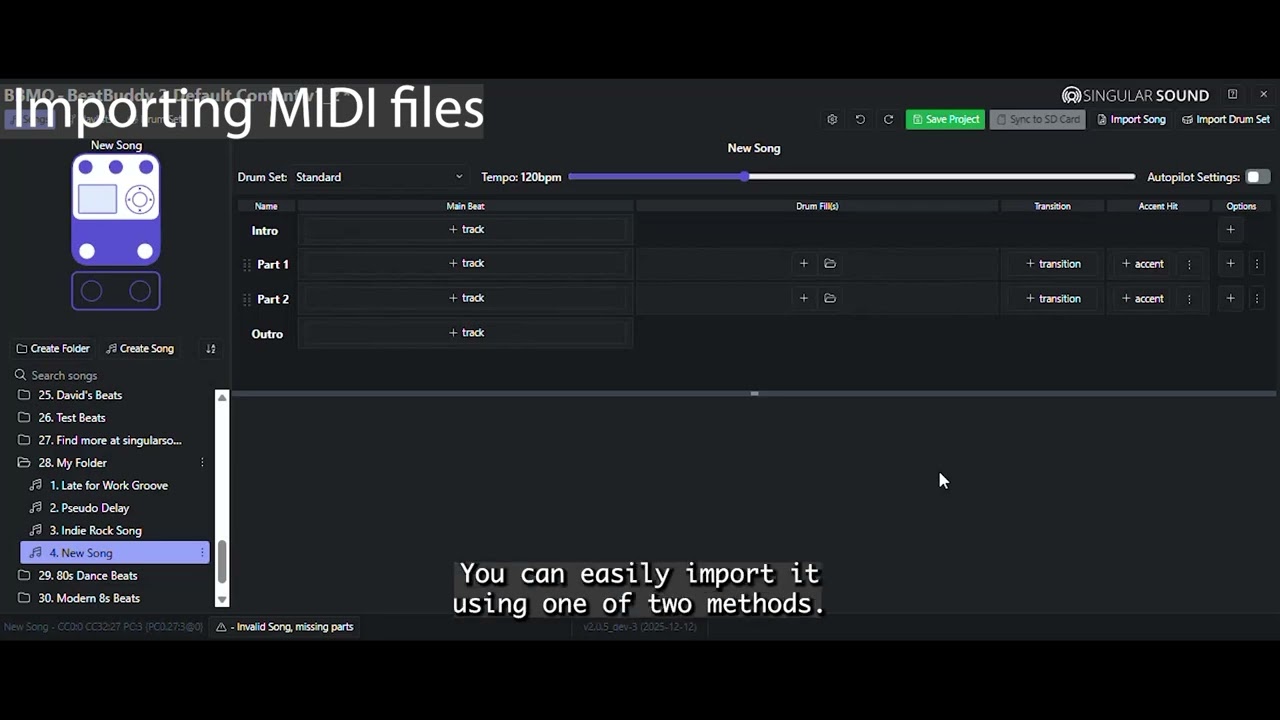
- Use the BBMO to export songs from your Boutique content project that’s saved on your computer to your desktop.
- Close the Boutique project and use the BBMO to open the project for your band’s songs or beats.
- Use the BBMO to import the songs or beats you saved to your desktop. Save your project.
- Insert the SD you’re using for your band’s content to your computer’s slot reader or external USB media reader.
- Use the BBMO to Sync your band’s content to your SD card.
Check out this tutorial video it may be helpful to you:
Thanks so much!!