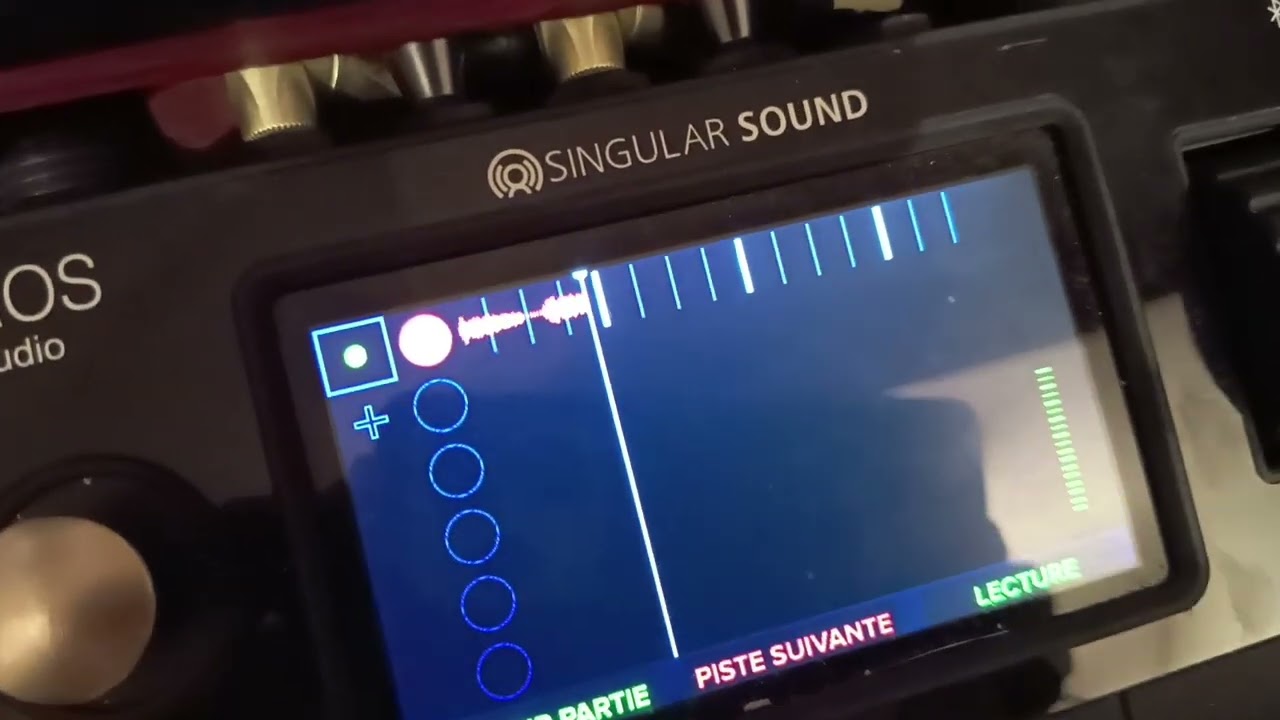
Please make sure that your Aeros’ tempo is the same as the incoming tempo, and that the Aeros is set to receive clock as the receiver
In the stopped state, if the tempos are not matching the Aeros tempo will be shown in red. You should also see a little clock icon next to the BPM that shows a small arrow pointing into the clock. This means the Aeros is receiving sync.
If you can reproduce and then show us the stopped screen that would be helpful