Try these steps below. This should be the equivalent of what persist covered in the thread but for Windows operating system. Hope this helps!
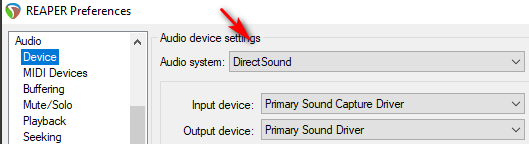
- In REAPER preferences, change the “Audio / Device” setting to “Direct Sound”
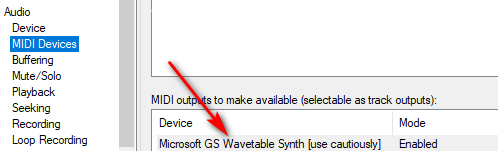
- In REAPER preferences under “Audio / MIDI Devices” , enable “Microsoft GS” (right-click)
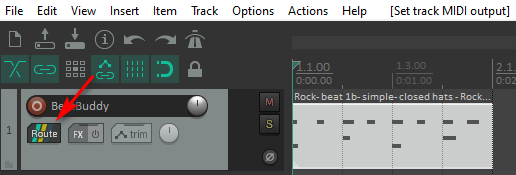
- In the MIDI track, click the “Route” button
- In the MIDI track route window, change the “MIDI Hardware Output” to “Microsoft GS”
