Hello,
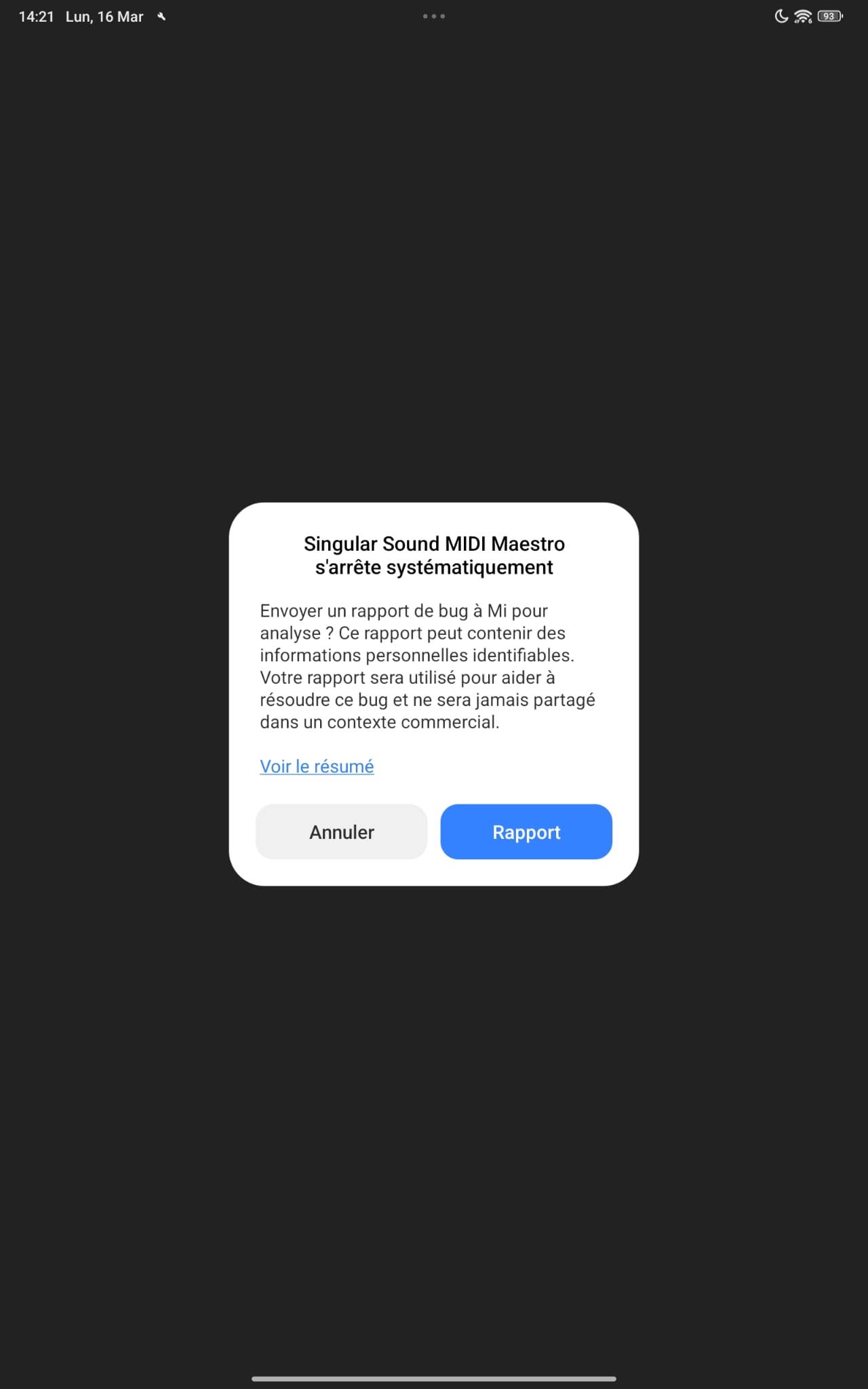
I’m experiencing an issue with my Xiaomi tablet and the Midi Maestro app. I can’t access the “Browse Custom Modes” page — nothing happens, and then I’m abruptly kicked out of the program.
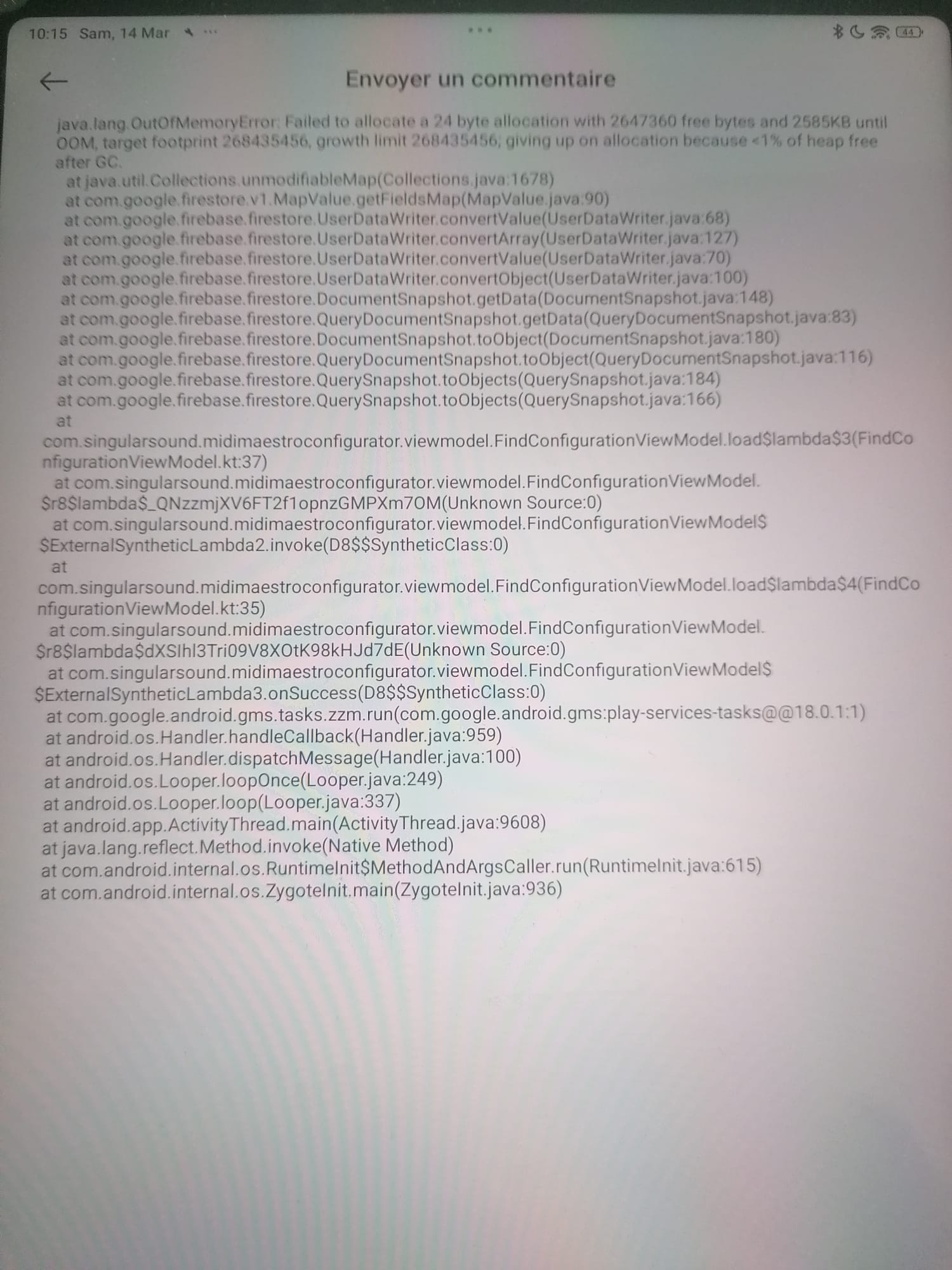
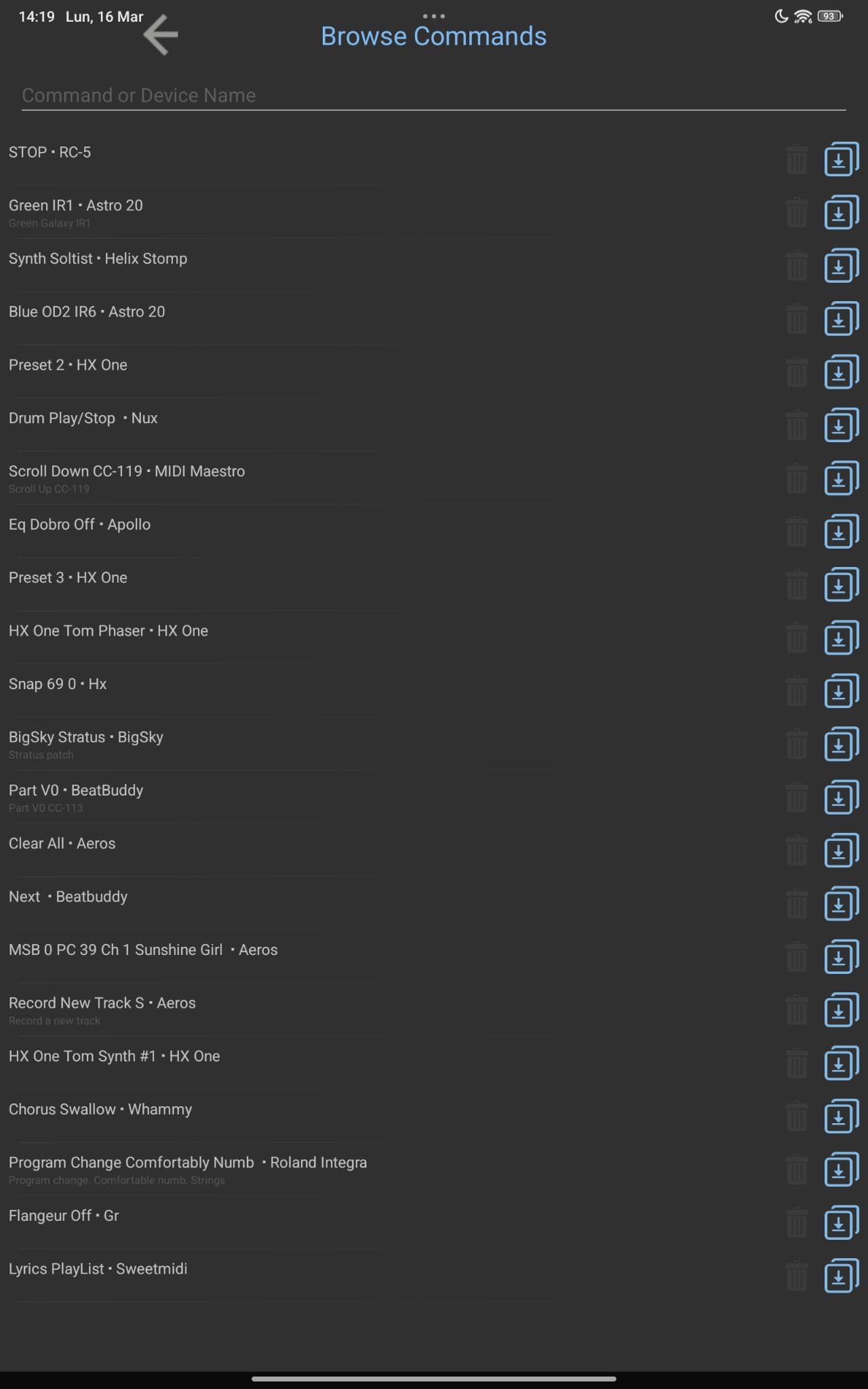
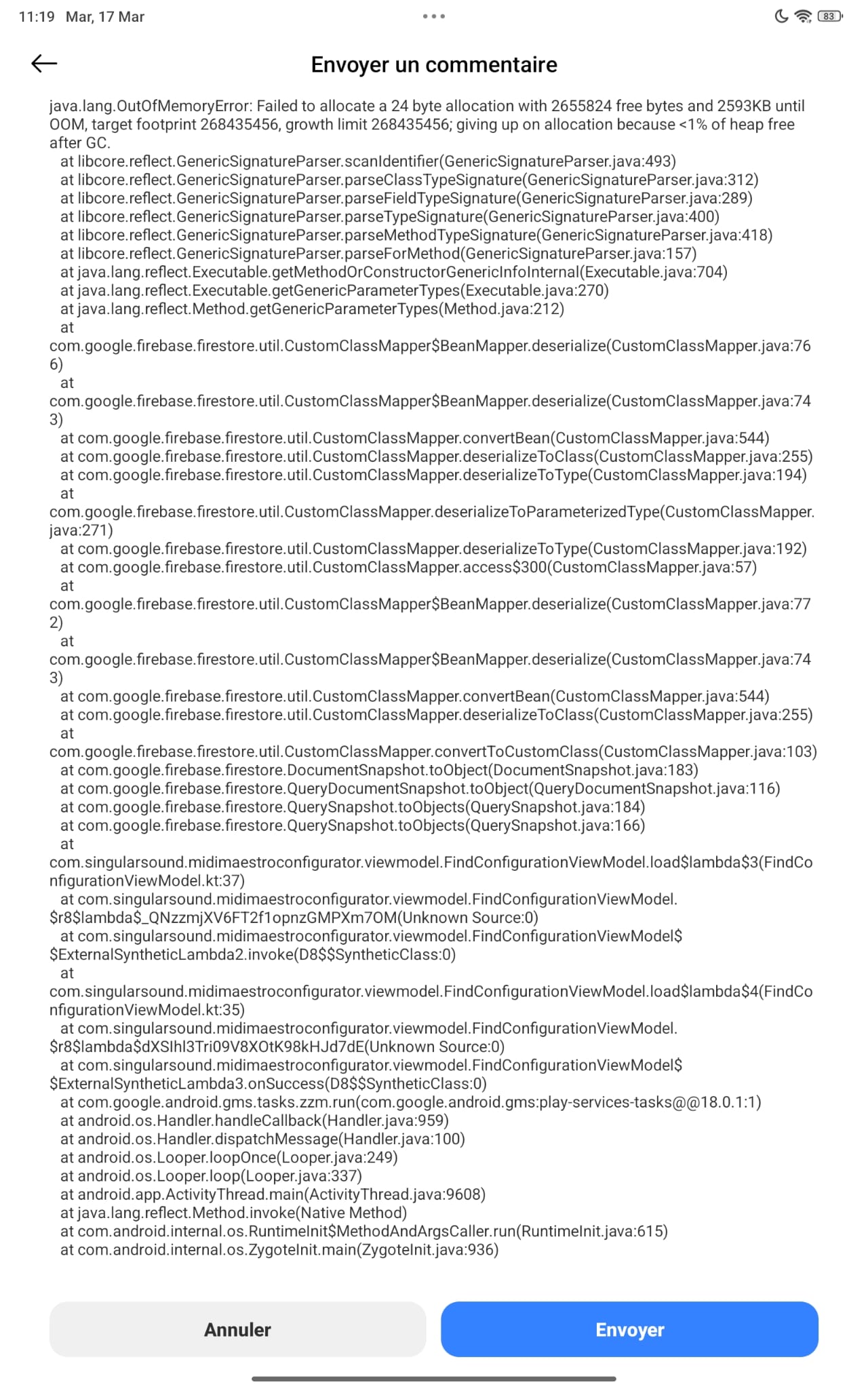
However, I did manage to get a bug report page, which I’ve attached for your reference. For your information, the “Browse Commands” section works perfectly fine.
I hope this report will help you fix the issue so that I can use the “Browse Custom Modes” page normally.
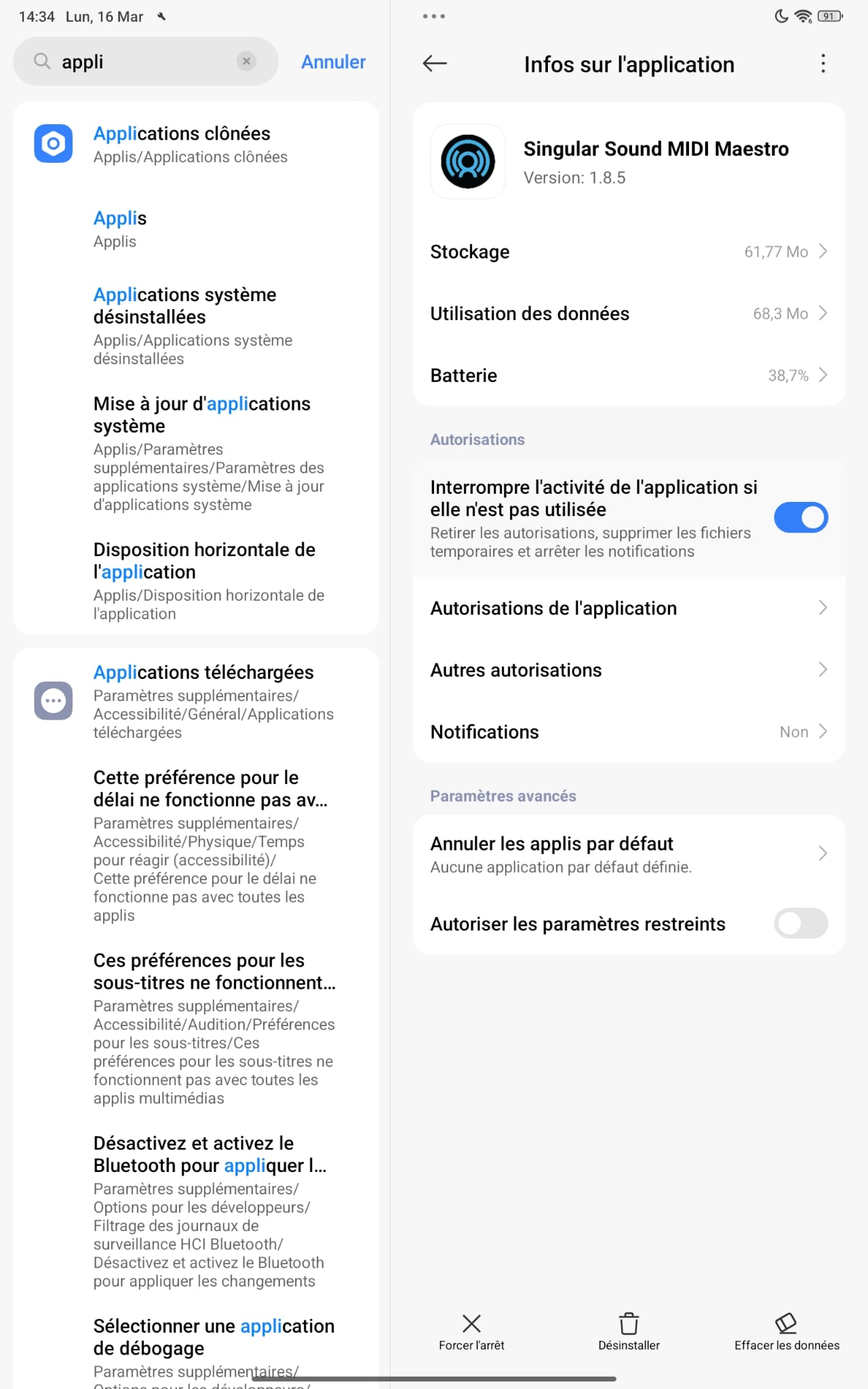
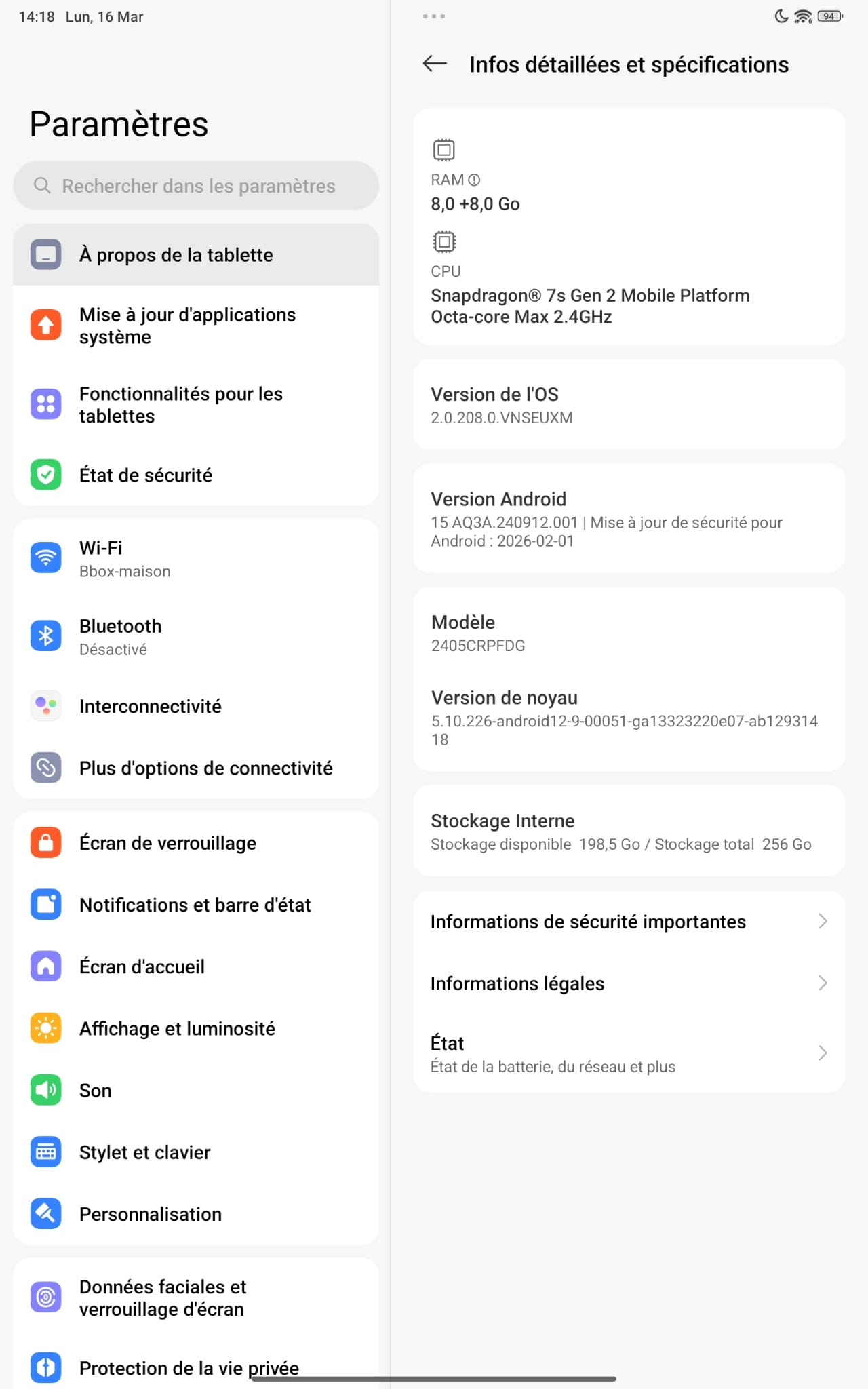
Could you please also confirm the OS version of your tablet? Additionally, make sure that the MIDI Maestro app has no pending updates in the Play Store and that your device is connected to the internet.
Hi NYHC,
Hope you’re doing well. I really think Singular Sound should address this issue properly — I’m not looking for a workaround. I’ve spent over € 1500 on their gear, and it seems the problem could be fixed by just a few lines of code. Other, less expensive products provide real customer support and handle bugs promptly. Yet this one has been reported for months with no progress.
I even bought a brand-new tablet specifically to program the Maestro more comfortably, only to find it still bugging out right away. Seriously? I really hope they take action soon. Thanks again for your help and those great ideas.
Hi Persist,
I’ve already reported this bug a year ago "Browse Customs Modes," nothing happens?, and while the hardware has changed (from phone to Redmi tablet now), the exact same bugs remain: nothing happens when accessing “Browse Custom Modes,” then crash/disconnect.
I’ve tested everything including disabling firewall/antivirus (Security app fully off, no third-party AV), cache clear, WiFi tricks, old APK reinstalls… It always fails the same way on Xiaomi/Redmi devices. This isn’t a user issue—it’s your app not working on common Android tablets. Any official fix planned? Thanks.
Sorry you’re continuing to have this issue. I understand how frustrating it can be.
As a moderator, I am not an employee of Singular Sound so in a manner of speaking, I’m just another forum user. I don’t have any special insights to what the developers are doing and I rely on what the product manager or support posts here.
So, you found this workaround—probably after hours of trial and error and searching—I’d call that a HUGE BUG!
Of course, I tried the same method on my Android tablet, and guess what: it didn’t work, haha. What you don’t mention in your video is whether, after your tweak, you can actually download your buddies’ setups. I have to admit, your manipulation was nice to watch (I skipped the dead moments, for sure !), but it didn’t really satisfy me. My brand new tablet is totally sulking since it can’t check for the latest versions of “Headrush Core…” But anyway, thanks for your effort, Steve.
@NYHC — your workaround, as clever and satisfying as it may look, only works for you. You’ve managed to find a way to bypass a bug, and hats off for that — but honestly, this is not acceptable for the average customer.
I must say I’m quite disappointed with Singular Sound. When a company releases a product or an app, the minimum expectation is that it should actually work — reliably, efficiently, and without forcing customers to dig through workarounds or odd tricks just to make it functional.
Users have spent hours testing, reinstalling, changing devices, disabling firewalls, and sharing temporary “fixes” that shouldn’t be necessary in the first place. That’s not what we should be doing — it’s Singular Sound’s job to deliver a working product and proper updates, not to let users patch things up on their own with makeshift solutions.
We all appreciate innovation, but after so many reports and no proper fix, this situation really feels like a lack of professionalism and follow‑through.
It’s impossible to download Custom Modes on the MIDI Maestro app using modern devices like my Xiaomi 15T or Redmi Pad Pro (running Android 14/15 with HyperOS). The app just hangs or crashes. The only device where it still successfully works and connects to the server is my old 2019 Huawei P30 Lite running Android 9.
It’s an absurdity on Singular Sound’s part to leave an essential app in such a state of technical decay on modern smartphones, forcing musicians to keep old devices just to make their gear work. Are there any plans for a proper app update to fix these network and compatibility issues on newer devices?
Hello everyone. It’s been a few months since I last checked the cloud for Custom mods to get inspiration from what my colleagues are doing. So, I have no trouble viewing the “Commands,” but when I try to go to “Browse Customs Modes,” nothing happens, and the program eventually freezes as if it’s stuck in a loop. Another symptom is that if I type in the search field, there’s a huge delay. I’m talking about version 1.82, which usually works perfectly on my Android phone. Has anyone else noticed this phenomenon? Do you have any advice on how to fix it? Thank you in advance. (I’ve already uninstalled and reinstalled, with no effect.)