Hi there, it is currently being investigated, thank you for your patience
There is no estimate for a fix at this time
Hi there, it is currently being investigated, thank you for your patience
There is no estimate for a fix at this time
Since I’m on a month break from gigging and I got the all clear from OnSong to update to iOS 26.1, I updated my main iPad. There are definite Bluetooth connection issues with the MM on iOS 26. I’ve tested with 2 different MMs and my iphone on 18.6.2. The iPad connection drops off after 10-15 seconds which keeps my OnSong midi commands from firing off as I work through a song. Please continue to search for a fix or lobby Apple to fix their Bluetooth connectivity in this version of their iOS
I’m currently having to connect a CME WIDI device into the MM and connect OnSong to the WIDI to prevent connection loss. I’d rather not have to do that.
We are currently investigating this issue and hope to have a fix soon
Thank you for your patience
Subbed for updates
Hi
I’m having the same issue with iOS 26.1. My MM only arrived yesterday and I followed the instructions to upgrade. I eventually managed to upgrade the firmware despite transmission errors but now I can’t upgrade the default modes again due to transmission errors.
My iPhone is clearly not connecting properly to the MM and all my older phones are too old to support the app so I am now stuck with a unit that displays the EEPROM error.
I am guessing I will have to send the unit back if there is no fix coming soon.
Hi I’m having the same issue with iOS 26.1. My MM only arrived yesterday and I followed the instructions to upgrade. I eventually managed to upgrade the firmware despite transmission errors but now I can’t upgrade the default modes again due to transmission errors. My iPhone is clearly not connect…
Hey,
I am having the same connectivity issues described above; I can’t update my firmware or send any updates from my app to the MIDI Maestro, Gold Edition.
Is there a fix for this? Or, as a workaround, is there a desktop app that we can send our configurations to over a connected MIDI cable or something? Or, maybe a third party bluetooth app that works enough as a stand in? I just got the unit and I don’t think there’s a way to actually use it without connecting on Bluetooth.
My Phone: iOS 26.1
MIDI Maestro Firmware Version: v.1.1.7
I posted issues about this last week. It is said that the next update iOS version 26.2 may have a fix. Singular Sound is aware of the issue stating in a reply:
Please try the following steps:
We understand how frustrating this is, and we recommend that users share their feedback with Apple to help encourage a timely fix.)
Hey guys,
We’ve observed connection stability problems affecting iOS 26 devices when transferring data to the MIDI Maestro. iOS appears to trigger an unsolicited BLE connection-parameter renegotiation, which leads to unexpected timeouts.
You can help us encourage a fix by contacting Apple Support with a message that says:
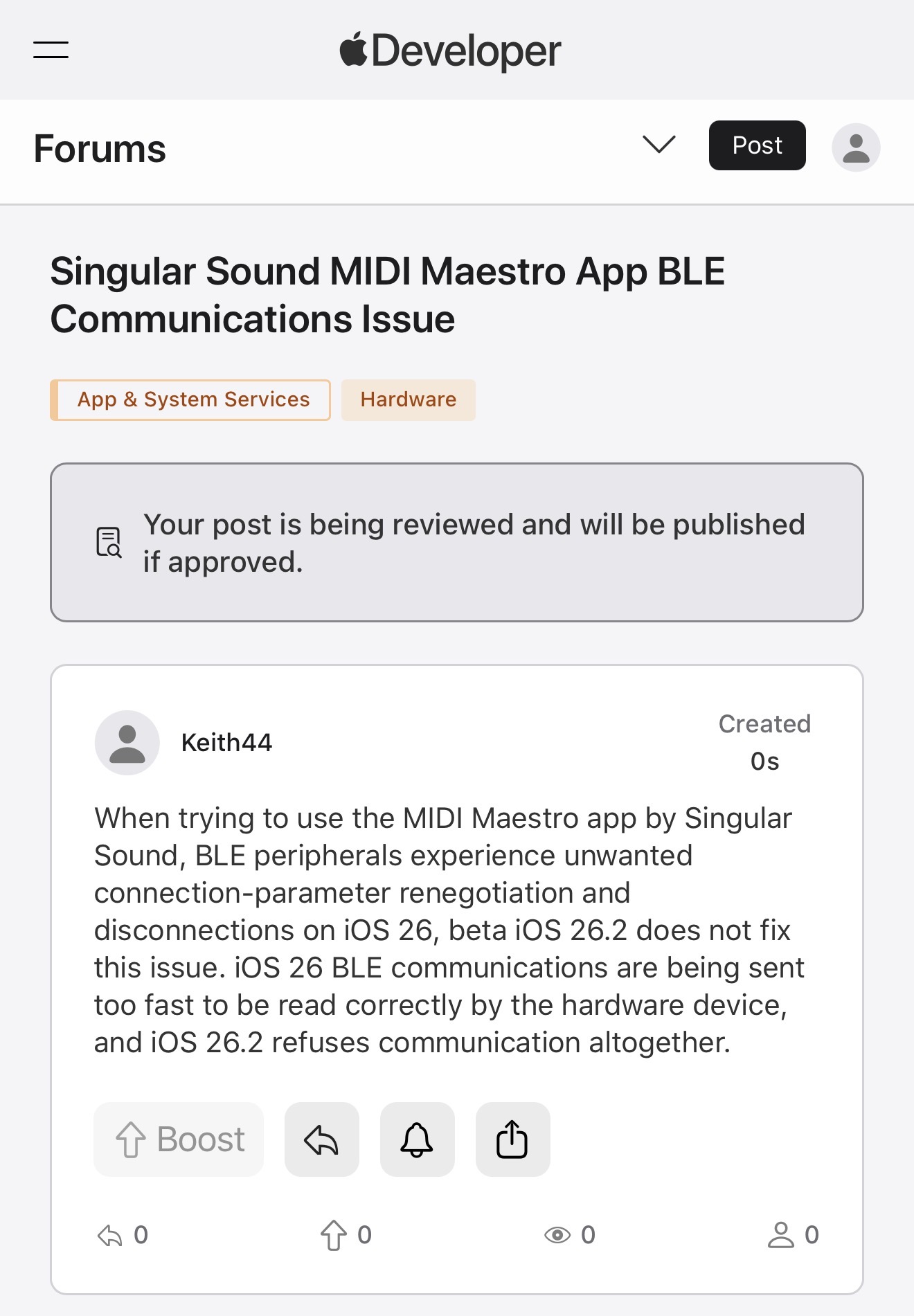
“When trying to use the MIDI Maestro app by Singular Sound, BLE peripherals experience unwanted connection-parameter renegotiation and disconnections on iOS 26, beta iOS 26.2 does not fix this issue. iOS 26 BLE communications are being sent too fast to be read correctly by the hardware device, and iOS 26.2 refuses communication altogether.”
The more users report it, the more likely Apple is to prioritize addressing it.
Thank you for your patience!
Hi all, just to let you know that you can’t use the app to program the pedal using iOS 26. It gets to about 10% and then displays a synchronisation error. This may be due the the changes Apple have made to Bluetooth timing in iOS 26.
It still works fine using my old iOS 16 device.
It also doesn’t play with my PED Pro 500, and keeps dropping off line if the PED Pro and MM are both connected to OnSong. I suspect it may be due to the same problem
Thanks. Other users have reported this and here’s Singular Sound’s reply in post 17
https://forum.singularsound.com/t/midi-maestro-ios-26-beta-2-connectivity-issue/40210/16
Please use Apple Feedback to report the issue to Apple. It will only be fixed if enough users bring it to Apple’s attention so please don’t assume that since other user might have reported it, that it’s going to be fixed.
iOS 26.2 doesn’t fix it…..
Keep bugging them! The issue is on their end
Yes, and it does not work with iPhone/iPad iOS 26.3 developer beta.
Since these 3 threads are about the same topic, I’ve rolled them into the original thread.
Apple doesn’t make it easy to find where you can send them a message for customer support. I tried several times and gave up each time. Does anyone have a link to the support page where I can copy and paste this note?
Thank you