I have a project and I’d like to start a new one, since I’ll be making a new project without the keyboard parts, as I’ll be starting a band with a keyboardist, and therefore I’ll remove all the keyboard parts from my songs and put them in this new project. But I want to keep my old project intact, since when I play alone I’ll use it.
What’s the best way to create this new project without it interfering with my old one in any way?
The answer depends. Are you using the BBM or the BBMO?
1 Like
Since you already have an existing project and SD card with a backup SD card, the process is pretty straightforward.
You will need two new SD cards to use as a primary and backup (SDHC, 32Gb, class 10); you do not need to format the new cards
- Using the BBM, make sure you have saved your current project.
- Now you’re going to create your new project:
- BBM > File > New Project (a new window opens)
- Give your new project a name different than your existing project and press Save
- You should have a New Folder beneath your Virtual Machine (the BeatBuddy pedal)
- Name your new folder; Save project and Save often as you move along
- BBM > Songs > New Song
- I think you mentioned before that you create a new kit for every song; if that’s still the case, use the BBM Dtumset Maker as you usually do
- Once you’ve created several songs and drum sets, use the BBM to Export your project to one of the new cards and then test it on your pedal
This should get you started.
1 Like
It can be a 16gb sd card??
I'm going to use the same drum kits from my other project. Is there any risk of conflicts between the workspace of the 2 projects or anything like that?
There should not be any issues.
Another question is how I will handle the MIDI part of OnSong, since the OnSong app is already configured with the other project.Will I need to have two lyrics files for each song with different MIDI numbers?
Not sure what to tell you as I don’t use OnSong. Perhaps best to see if support@singularsound.com can help.
I control BB through OnSong; I choose a song in OnSong and it automatically loads into BB.
The curious thing is that I did exactly as you said, but when I created the new project, it came with all the kits from my other project.
It sounds like you may have also have all of your kits available globally (stored in your default_lib folder).
Don’t know if this is the case. If you don’t want to use those kits in your new project, just uncheck the boxes. Do not delete them or they’ll probably be removed from your old project too.
If you are going to create new kits, you can do so in your new project and check the boxes for those new kits as you go along.
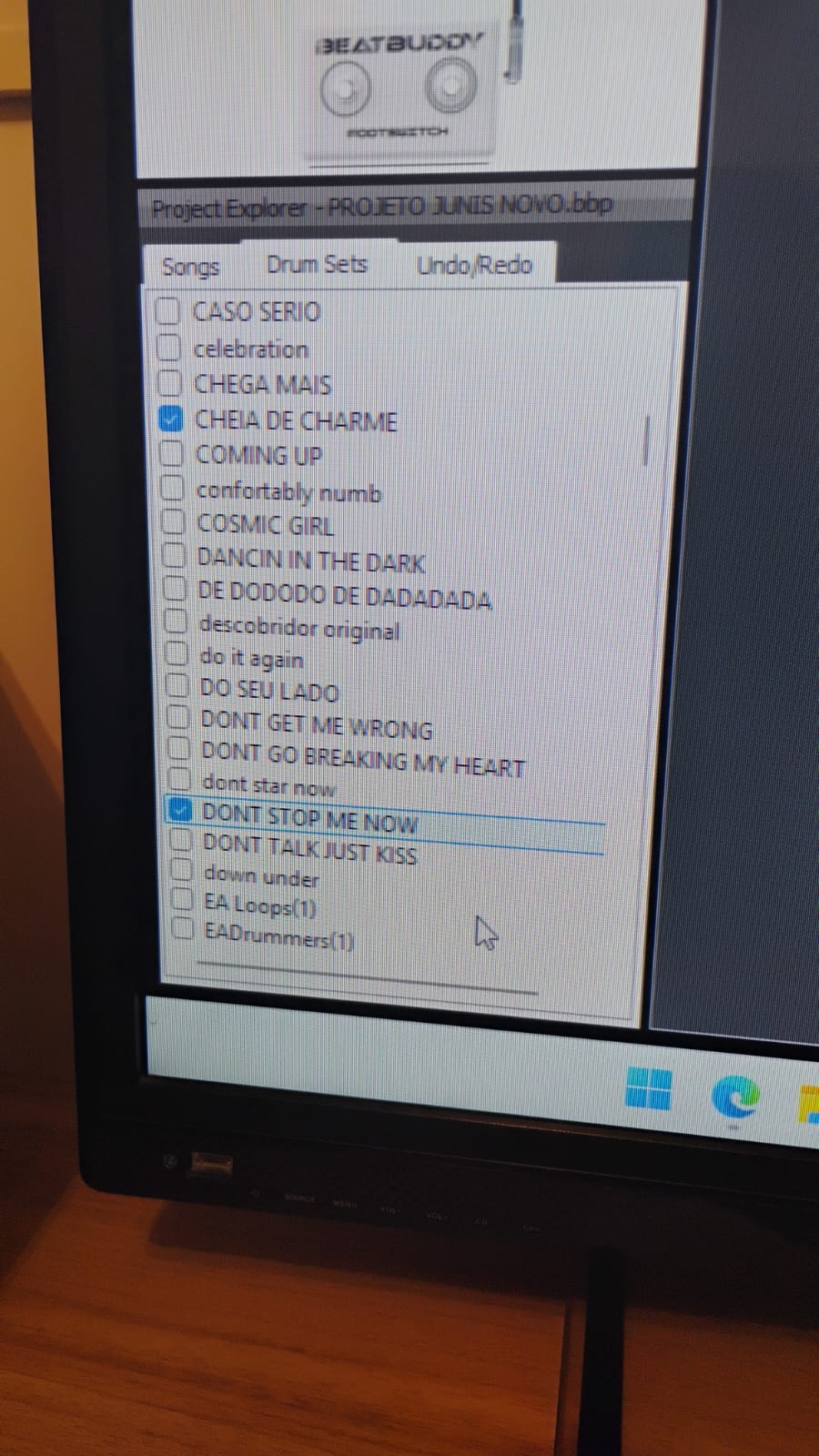
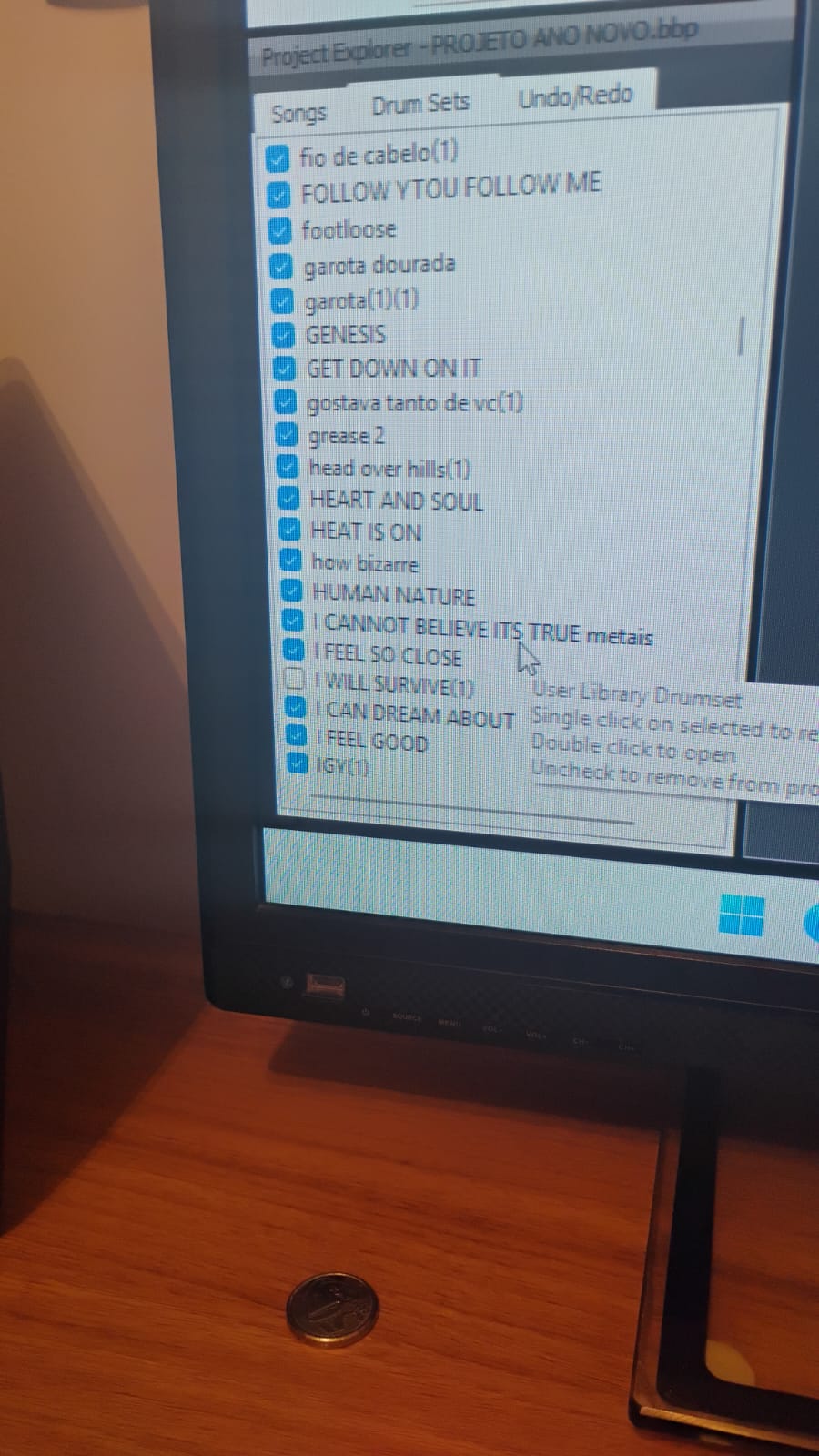
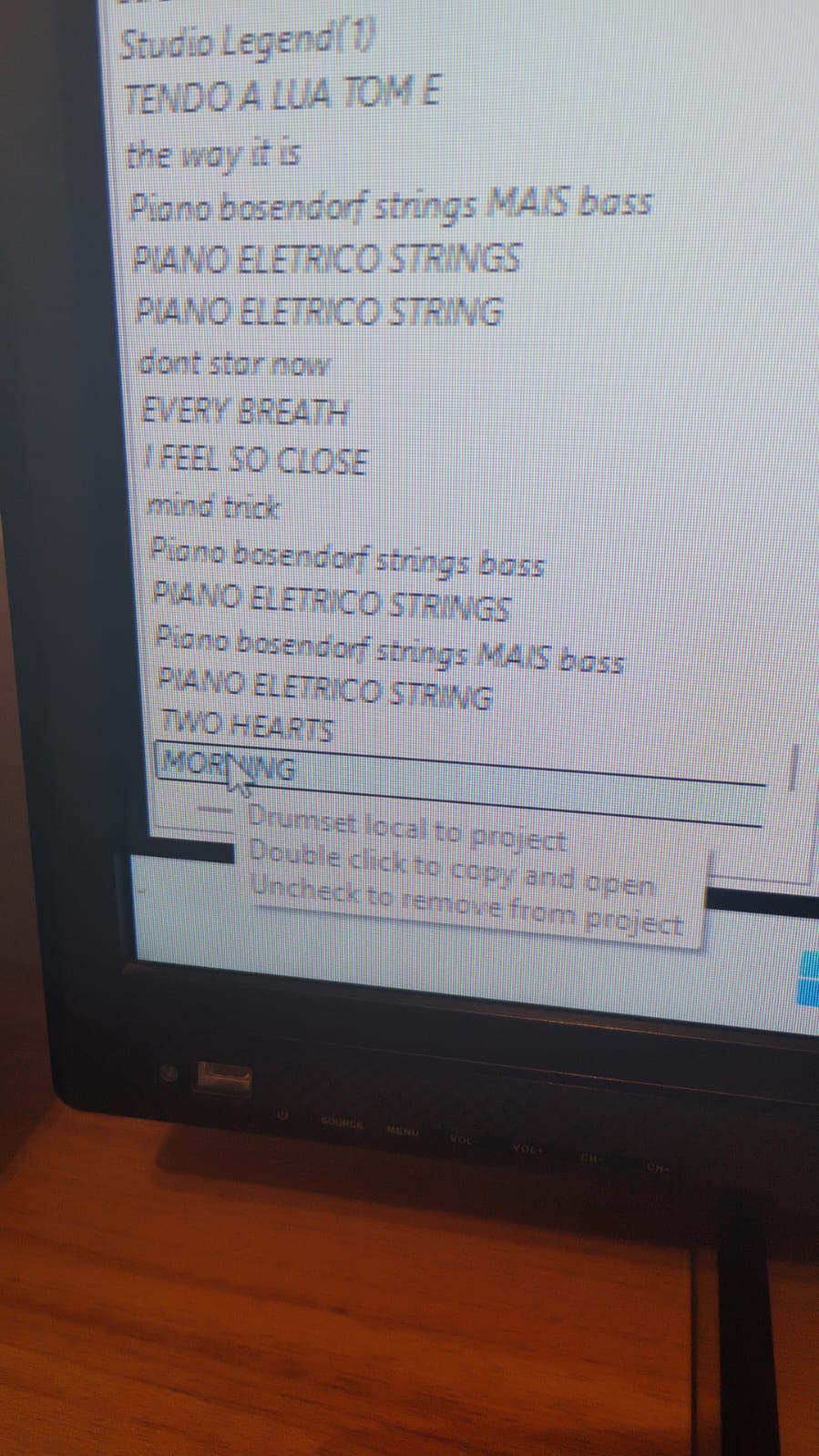
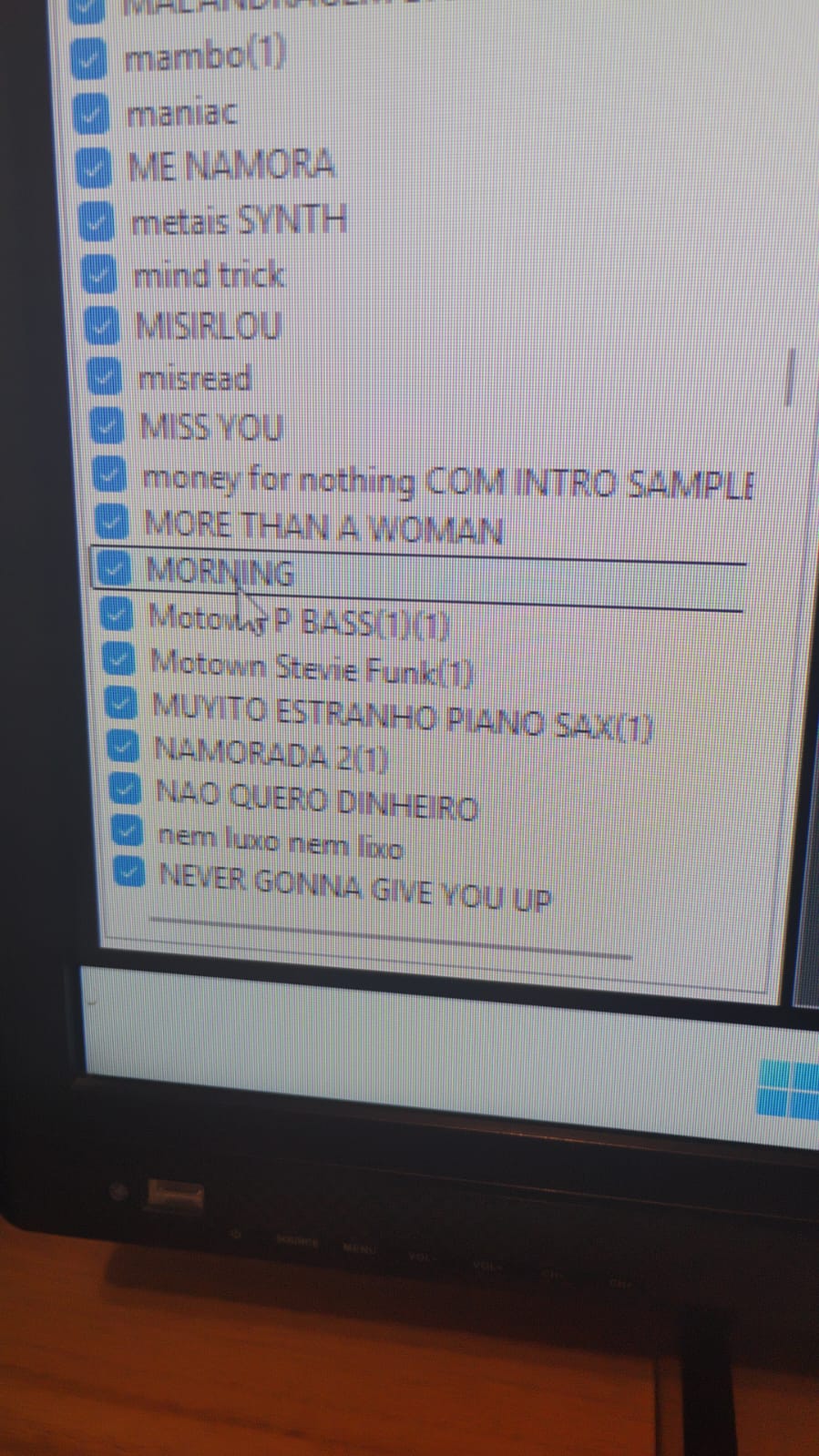
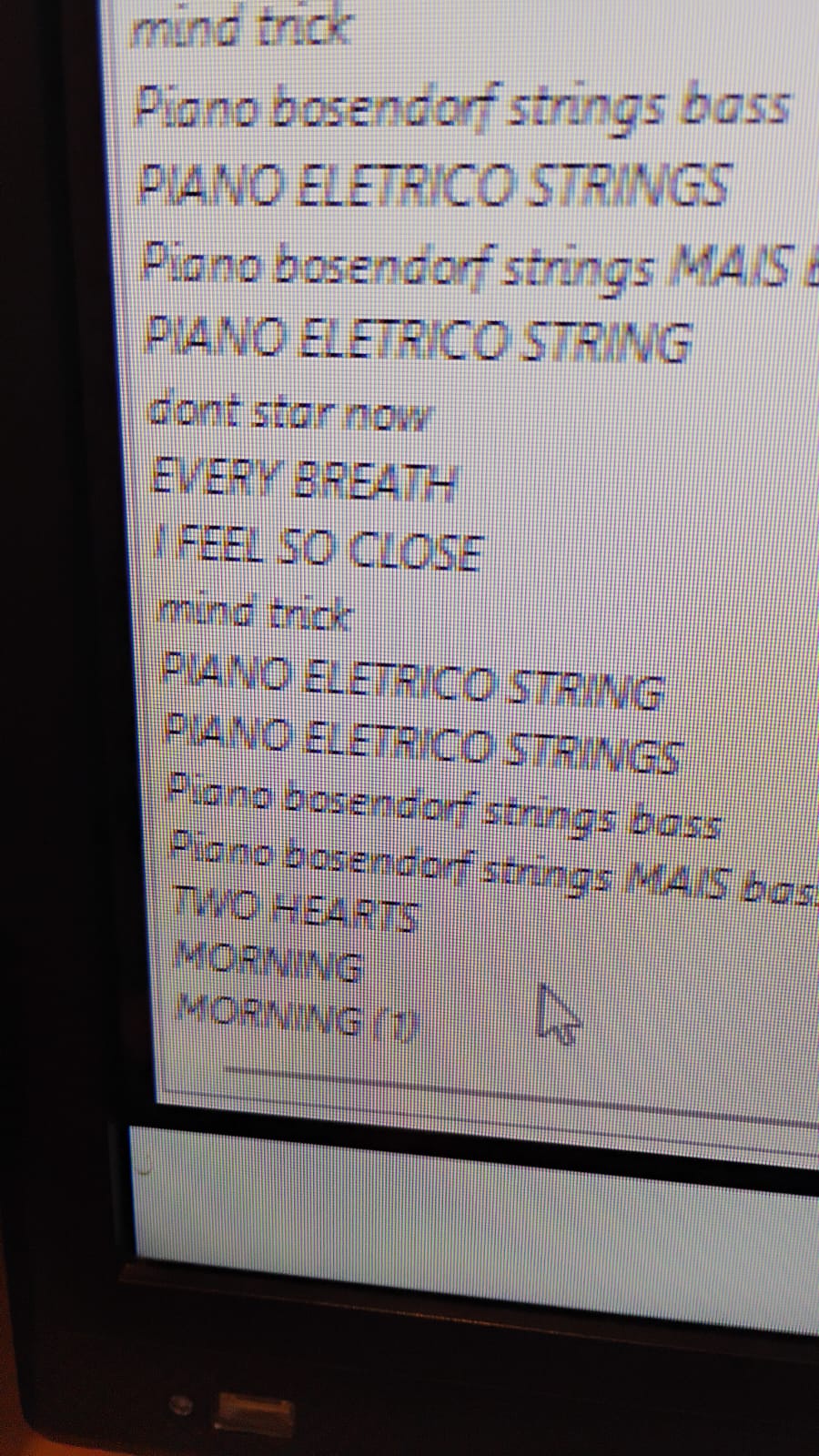
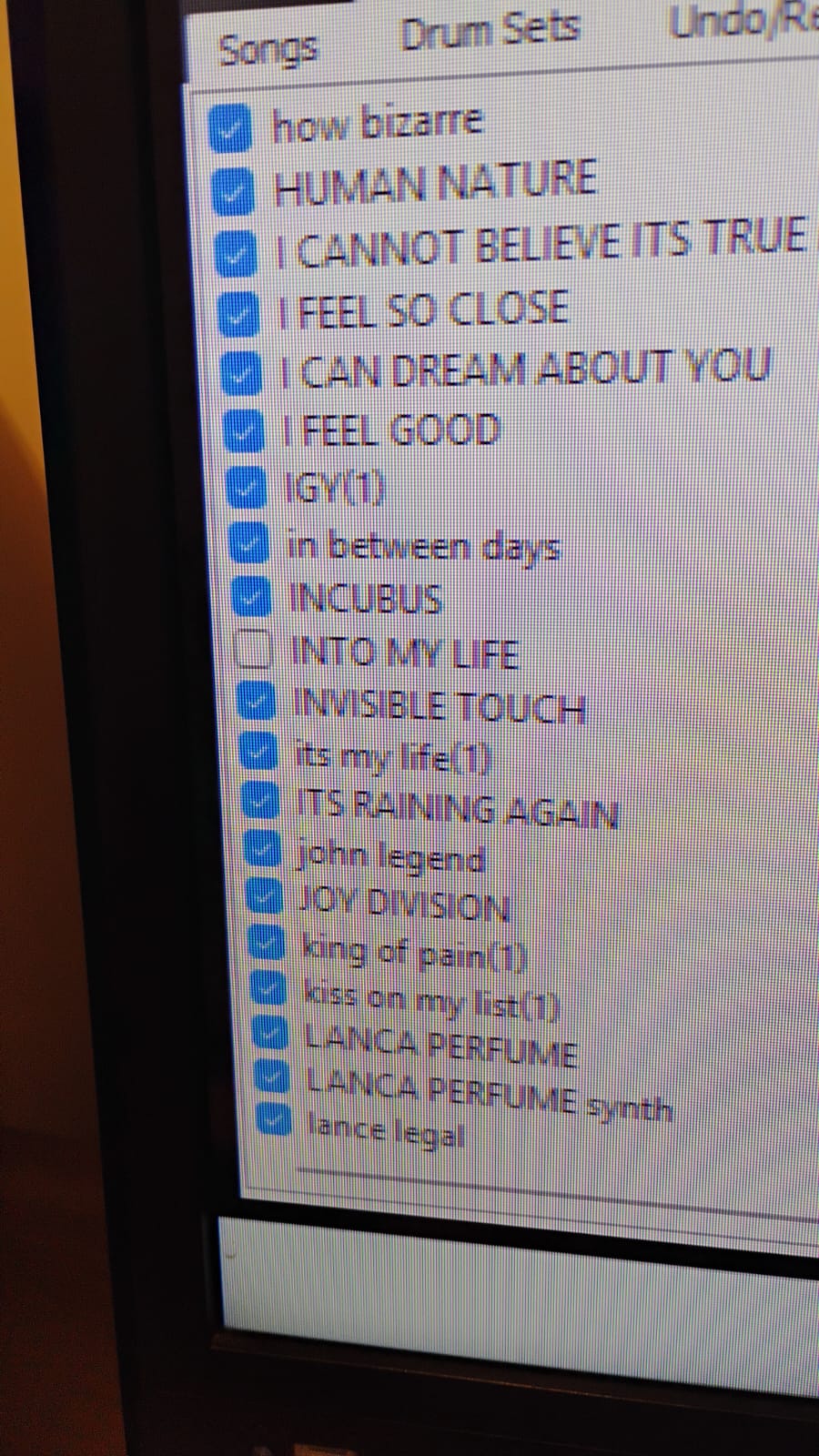
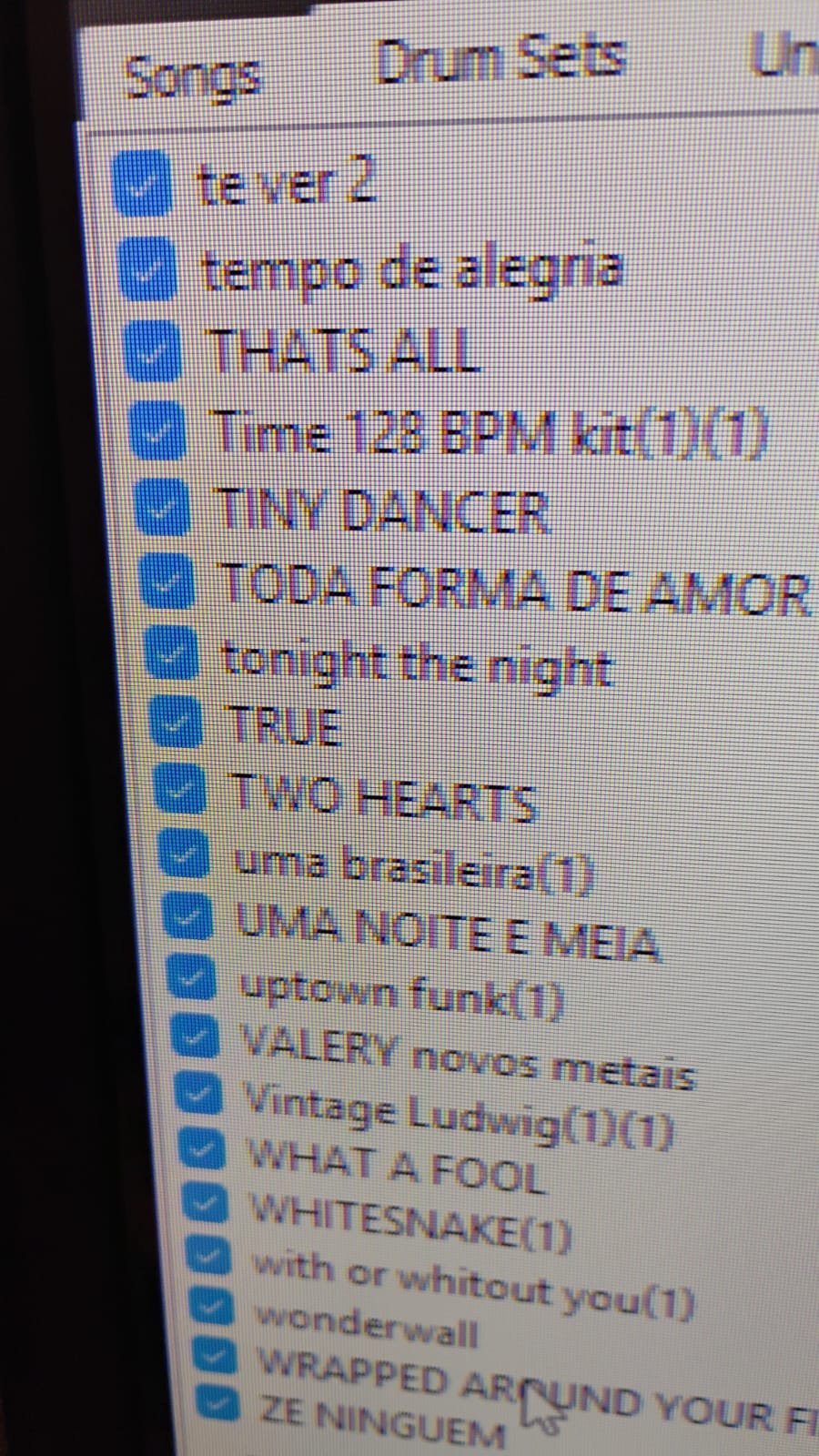
As I predicted, it bugged out. Now, when I open my old project, several drum kits are disabled, and several identical drum kits are repeated, as I show in the video. Could the fact that I'm using the same drum kits in both projects be the cause of this?
The downloadable legacy BeatBuddy Manager is no longer supported. We recommend using the BeatBuddy Manager Online. If you need help getting started or have any questions, please feel free to email us at support@singularsound.com. Thank you!
1 Like
Hi
After creating another project, I'm having several problems. Every time I open my old project, some drum sets are unchecked, and they're even recreated below. I recheck them, but when I open it again, they're unchecked. What should I do?
I’m trying to use and get used to BBMO, but it’s difficult. When I want to import a drum set, the software freezes and stays that way for a long time.
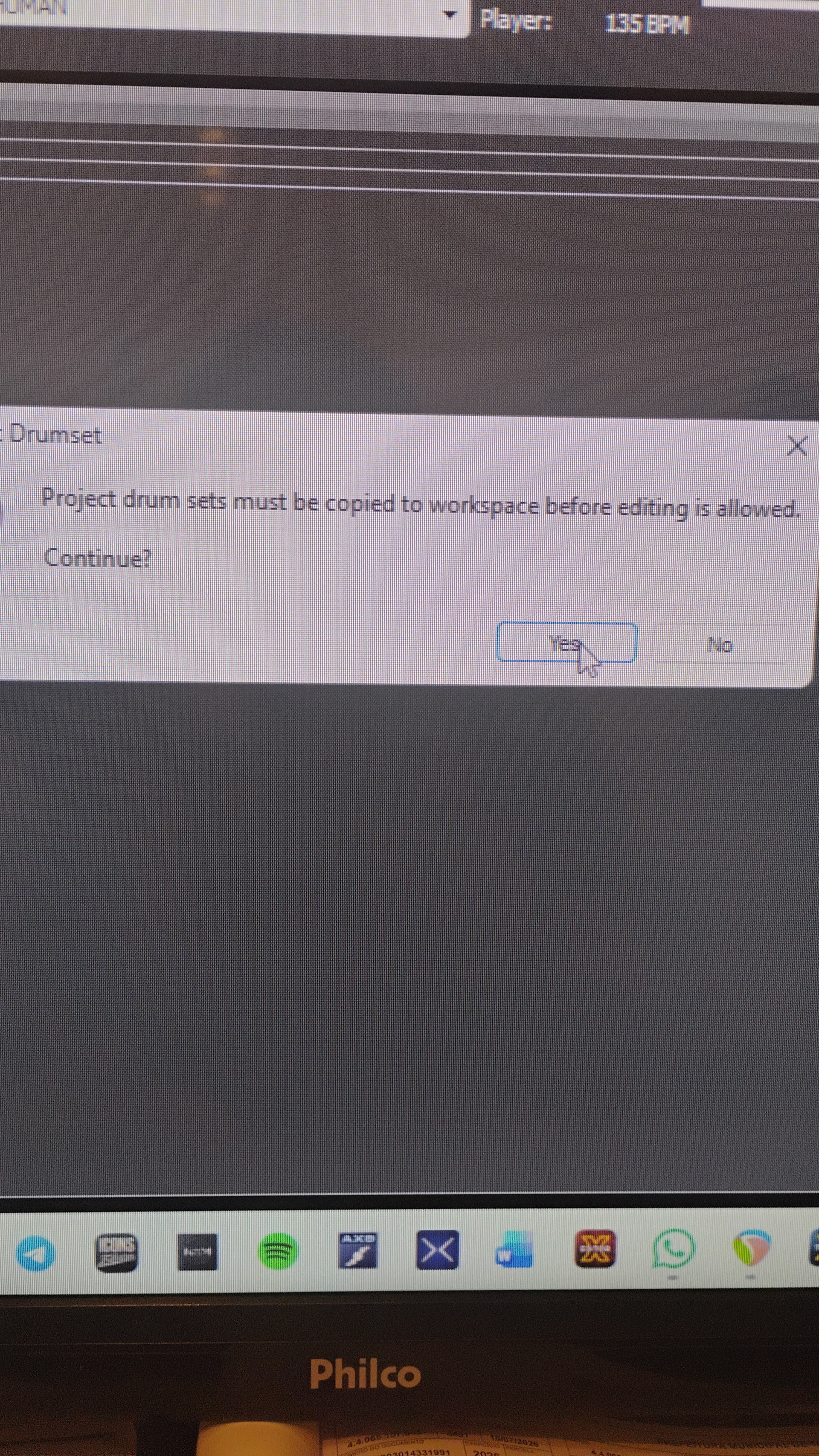
What’s does it mean this message?. The drum set does not open
It appears to be a message in BBM. It does nothing when you press ‘Yes’?