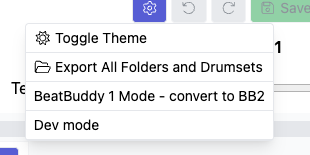
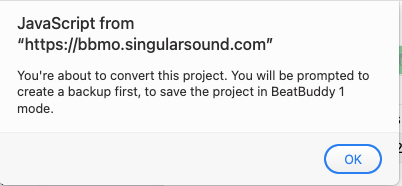
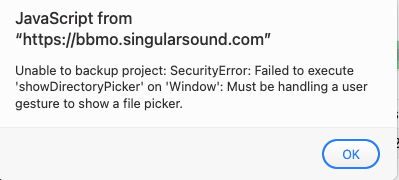
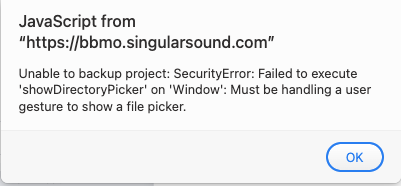
PS. after further testing, I observed that this happens when either types of the project folders is on the desktop; if the project folder is within a sub-folder of the desktop, it will successfully complete the backup and conversion to the BB2 mode.
PPS. this is what the BBMO User Manual Firmware 2.0.0 states on p.7:
“3. Move the entire folder (with all it’s contents) to a location on your computer
that you will easily remember where it is, it can be anywhere on your computer.” (I emboldened the text)
The dev team has requested additional information to troubleshoot this issue. Could you please send us the project folder in zip format via Google Drive, WeTransfer, or whichever method is most convenient for you? Based on that, they will be able to investigate the issue further.
Strangely, I did not receive the email from WeTransfer. I only received a notification that the link expired. Could you please upload it to Google Drive or Dropbox and send the link that way? Thank you, and sorry for the inconvenience.
My suspicion is that although BBMO allows users to open a project from the Desktop (which makes sense), it does not allow users to save or export a project—or a .mid file—to the Desktop. It appears BBMO may be treating the Desktop as a system location, which is unexpected.
What’s confusing is that BBMO does allow exporting .pbf and .sng files to the Desktop. If that’s permitted, shouldn’t the same logic apply to exporting projects and .mid files as well?